
Home / Forums / WoodMart support forum / Blog Page Issue
Home › Forums › WoodMart support forum › Blog Page Issue
Blog Page Issue
- This topic has 7 replies, 2 voices, and was last updated 5 months, 3 weeks ago by
 Artem Temos.
-
AuthorPosts
-
January 6, 2026 at 3:25 pm #703334
2303805254ParticipantThe images on my blog are extremely large. I tried adjusting the settings in the theme, but it didn’t work. Could you please take a look at this for me?
January 6, 2026 at 5:07 pm #703364Hello,
You can set custom image size for blog posts in Theme Settings -> Blog archive as shown on the screenshot https://gyazo.com/ed9bf43b87f515cbd6a481053f4ed5f4
Kind Regards
January 8, 2026 at 9:09 am #703566
2303805254ParticipantThe images have become very blurry after I made the modifications. I remember that when I used the Elementor editor before and selected the full size option, the images looked exactly the same as those on the demo site. But now after switching to Gutenberg, things don’t work properly.
January 8, 2026 at 10:38 am #703578Hello,
The images are blurry because I reduced their size to 200 pixels just to demonstrate how to change the size. When you select the “Full” size option, the original images load without resizing. You can also set the “Full” size there, and it doesn’t depend on the page builder you use.
Kind Regards
March 7, 2026 at 7:54 pm #711496
2303805254ParticipantI want to set the image to an appropriate size without making it blurry. Please tell me how to do this. Is this not possible with the theme? The image should not display large just because the original file is big. Does the platform only support image scaling and not cropping?
Attachments:
You must be logged in to view attached files.March 9, 2026 at 9:49 am #711581Hello,
The image is cropped to 200×99 exactly as you set in Theme Settings. But to make it look clearer it should have at least 400-500px in width.
Here is a screenshot
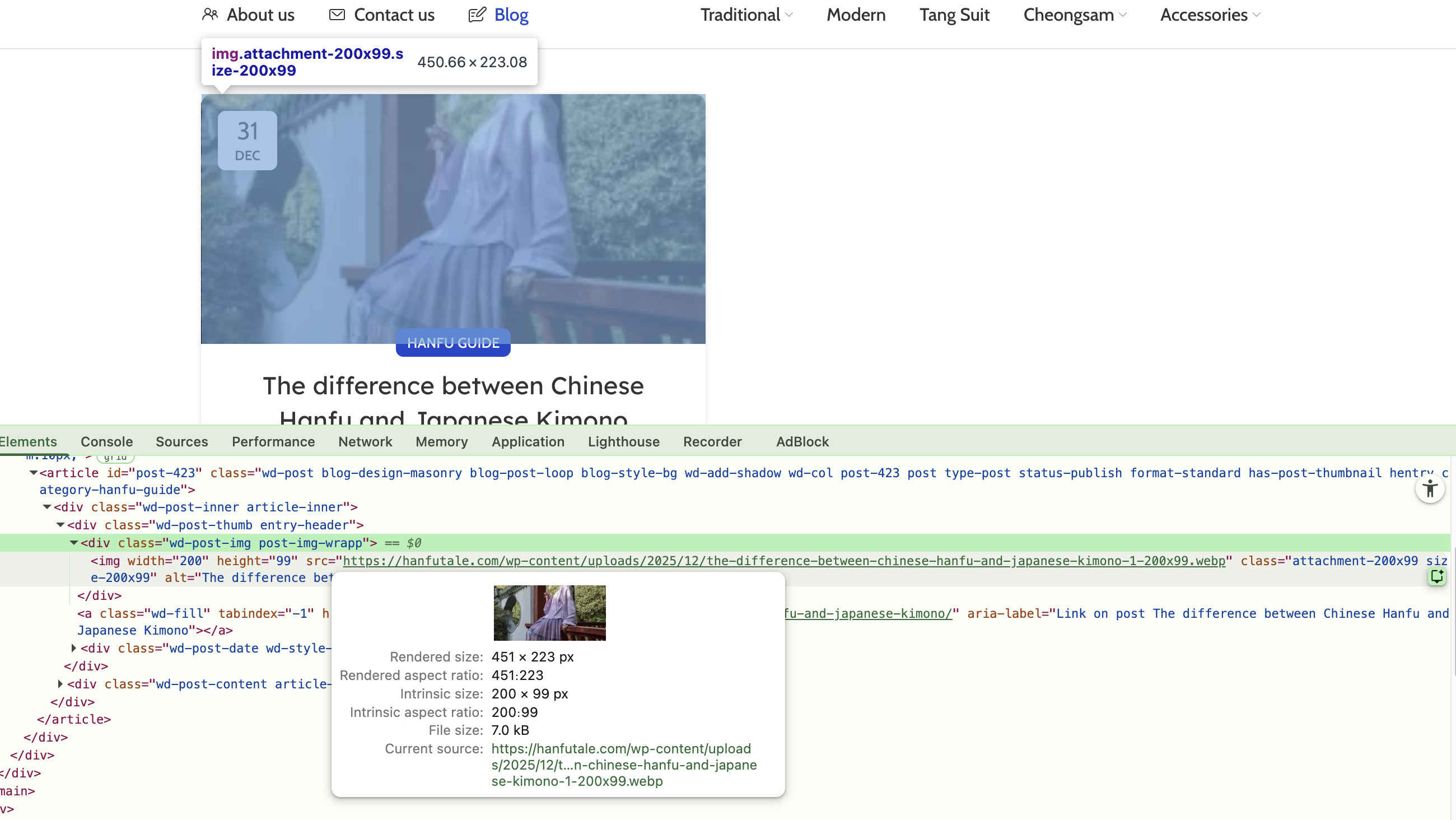
Kind Regards
March 11, 2026 at 10:18 am #712029
2303805254ParticipantHello,
How can I stop the featured image from displaying at the top of the blog post page? I do not want to remove the image entirely; I only want it to be displayed at the URL: https://hanfutale.com/blog/
March 11, 2026 at 10:56 am #712038Hi there,
Yes, you can hide the featured image on single post pages while keeping it on the blog archive.
Use a custom Single post layout
– Go to Dashboard → Layouts.
– If you already have a Single post layout, open it and remove the “Post image” element, then update.
– If you don’t have one yet:
1) Click Add new, choose “Single post,” and create the layout.
2) Add the elements you need (Post title, Post content, Meta, etc.) but do not add the “Post image” element.
3) Publish the layout and set it as your Single post layout.
This affects only single posts. The featured image will still appear on your blog archive at https://hanfutale.com/blog/Kind Regards
-
AuthorPosts


- You must be logged in to create new topics. Login / Register