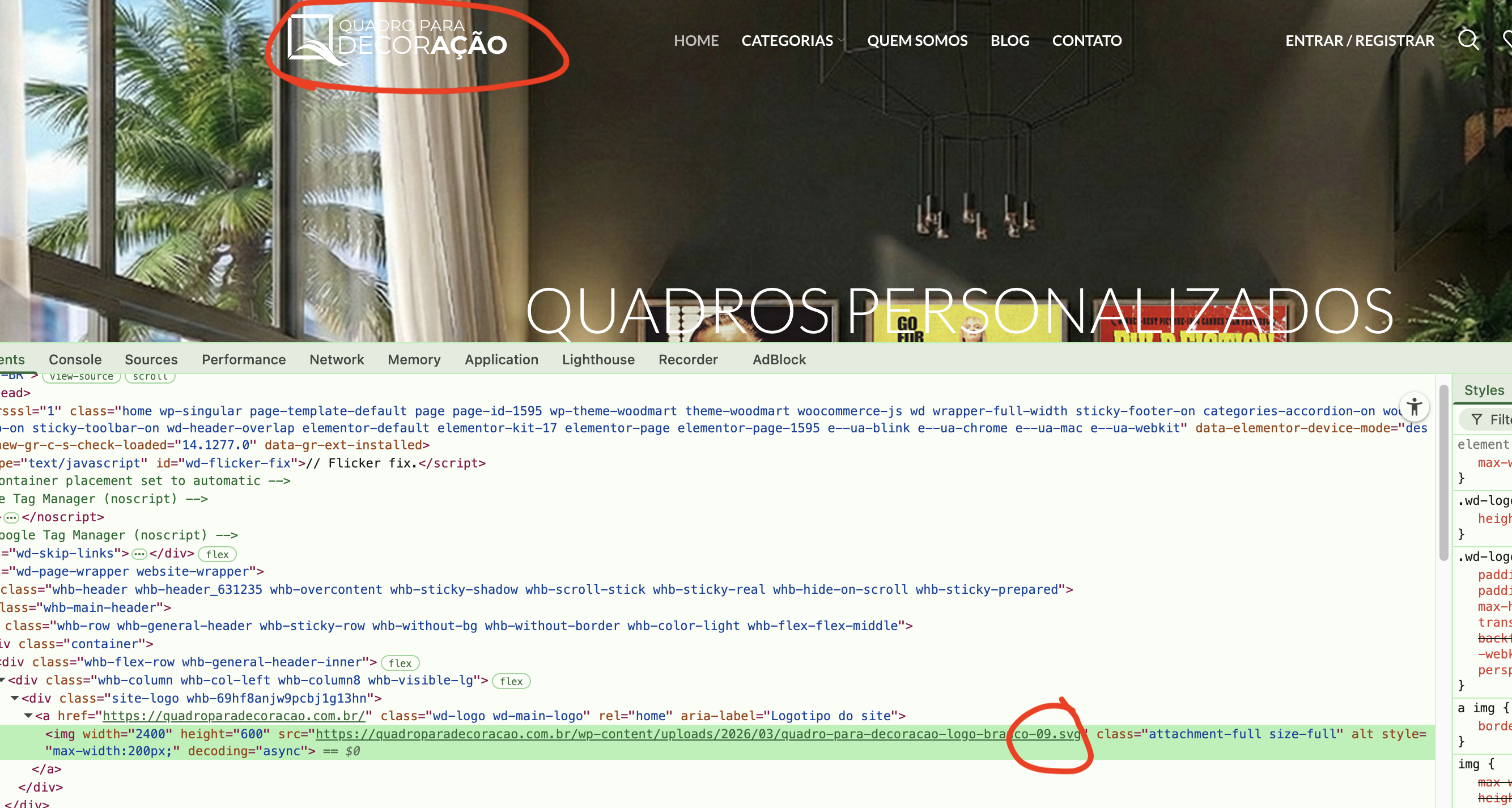
We are currently updating our website logo, replacing the PNG version with an SVG file using the Woodmart theme and Elementor.
Inside Elementor editor, the SVG logo appears correctly and reflects the changes as expected. However, on the published (live) site, the logo does not update and continues to display the old PNG version.
Additionally, even when we completely remove the logo and save the site without any logo assigned, the live header still shows the previous PNG logo. This suggests that the published version is not reflecting recent changes made in the editor.
It seems like the header or logo might be cached, overridden, or loaded from another source that is not being updated alongside Elementor changes.
For reference, I am attaching screenshots: one from the Elementor edit mode showing the correct SVG logo, and another from the published site where the old PNG logo is still being displayed.
We need help identifying why the live site is not updating the logo and how to properly force the new SVG version to display.
Attachments:
You must be
logged in to view attached files.

 .
.