Sidecart not seeing good when activating wp rocket options.
-
Hi. the side cart is looking bad when activating the wp-rocket optimize css delivery, how can I exclude it?
Attachments:
You must be
logged in to view attached files.
Hello
The option to optimize CSS delivery in WP Rocket can sometimes cause display issues with elements like the side cart in WoodMart. We do not recommend enabling this option as it may interfere with the proper styling of the side cart.
Regards
Okey, but still having some issues in Safari browser on the submenu.
Attachments:
You must be
logged in to view attached files.
Hi there,
To resolve this issue, you’ll need to open your SVG icons file in an editor and add height and width attributes to your <svg> tag, as demonstrated in the screenshot provided: https://gyazo.com/83fd36b0bb9628bb1aed2bd3d5d063c5
Once you’ve made these changes, you’ll need to reupload your icons in the WordPress Dashboard.
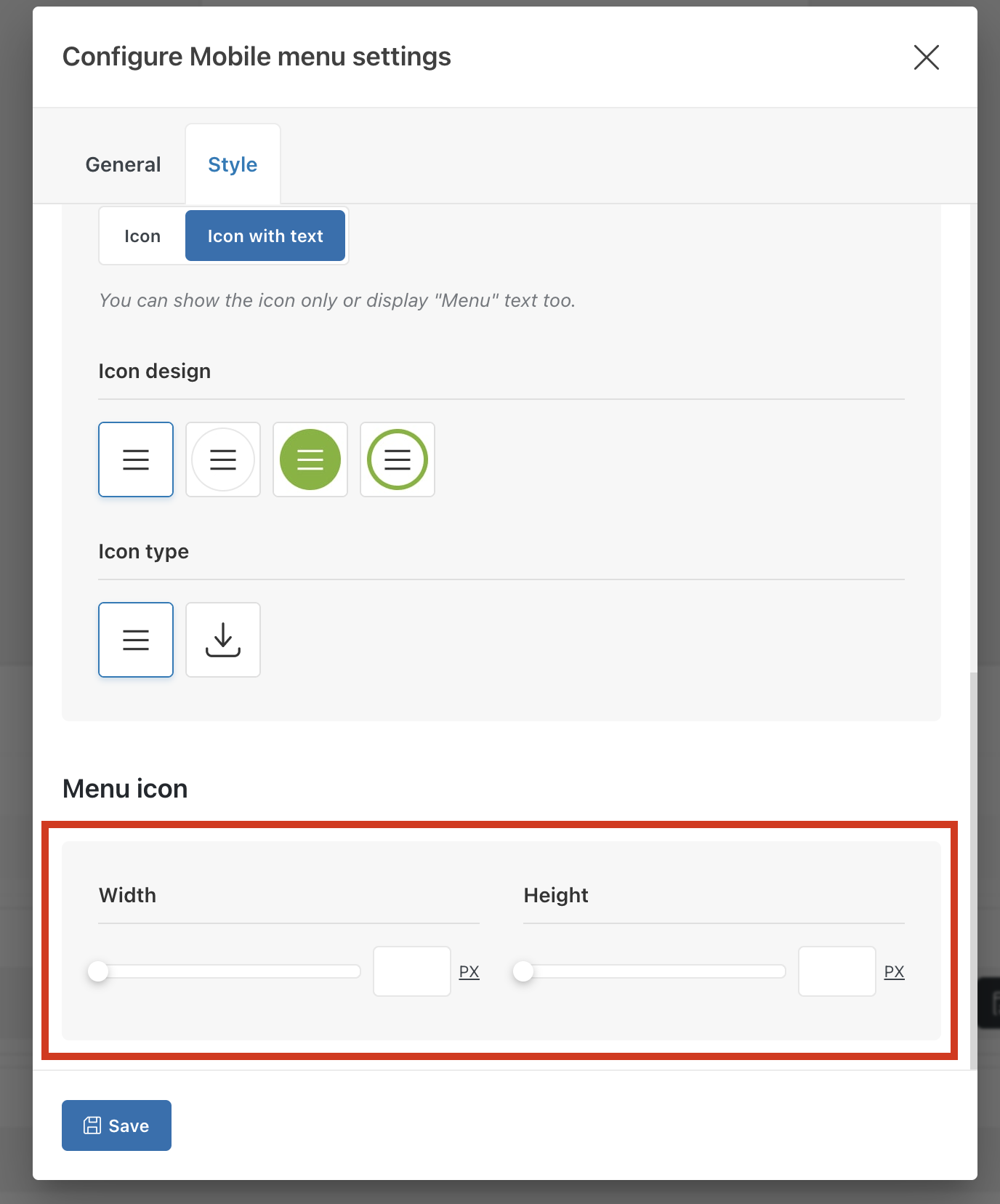
Alternatively, you can configure the mobile menu element in the header and specify the icons’ width and height as shown on the screenshot:
Best regards,
Icons are in png, but i followed that step in the header and disable optmizing the delivery of the css and now is good, but is there no way to exclude header from that option on wprocket? Because the speed of the page really increase a lot when it is activated…
You can consult with the WP Rocket developers on how to exclude particular part of the page from being delayed. We don’t have instructions for this.

 .
.
