
Home / Forums / WoodMart support forum / WoodMart: Database Outages and Elementor Editor Failures
Home › Forums › WoodMart support forum › WoodMart: Database Outages and Elementor Editor Failures
WoodMart: Database Outages and Elementor Editor Failures
- This topic has 3 replies, 2 voices, and was last updated 3 weeks, 2 days ago by
 Serg Sokhatskyi.
-
AuthorPosts
-
October 6, 2026 at 6:19 am #730596
beautyfishofficialParticipantHello XTemos Support,
I purchased WoodMart through ThemeForest and am building a new WordPress website with Elementor and Elementor Pro.
The website repeatedly becomes unavailable with “Error establishing a database connection,” and the Elementor editor cannot load during these outages. The issue also occurs when I am not logged into WordPress or editing pages.
Environment:
– Hosting: Alibaba Cloud Simple Application Server, US region
– Resources: 2 vCPU, 4 GB RAM
– Control panel: BT Panel, Alibaba Cloud edition
– Database: MySQL 5.7.40
– PHP version used by this website:7.3
– WordPress: 7.1.2
– WoodMart:8.6
– WoodMart Core:
– Elementor: news
– Elementor Pro: news
– WooCommerce: 11Findings:
– Linux kernel logs confirm repeated out-of-memory events that kill the mysqld process.
– MySQL subsequently restarts and performs crash recovery.
– At one failure, approximately 2.28 GiB was allocated to HugeTLB pages, with no free huge pages, and swap was exhausted.
– The source of the HugeTLB allocation has not been identified.
– PHP 8.2 and 8.3 are installed, and both PHP-FPM configurations allow up to 50 children.
– We have not yet completed a controlled test with a default WordPress theme.I understand that these findings do not prove WoodMart is responsible, and that server-level investigation may be required.
Could you please help with:
1. Checking whether my theme/plugin versions have known compatibility or memory issues.
2. Recommending suitable PHP and database versions and memory settings.
3. Identifying any WoodMart or companion-plugin background tasks worth checking.
4. Providing a safe theme/plugin isolation procedure that preserves existing page designs and settings.
5. Advising which diagnostic reports or logs you need.I can provide the website URL and sanitized logs privately. I would like to investigate before rebuilding the server.
Thank you.
October 6, 2026 at 8:51 am #730598Hi there,
Please provide the following details so we can investigate the issue:
– WordPress administrator access
– FTP/SFTP accessPlease submit these credentials securely through the Private Content field. Ensure the account has administrator permissions and that the FTP/SFTP credentials provide access to the WordPress installation.
Kind regards,
XTemos StudioOctober 7, 2026 at 5:27 am #730653
beautyfishofficialParticipant已提供
October 7, 2026 at 9:36 am #730665Hello,
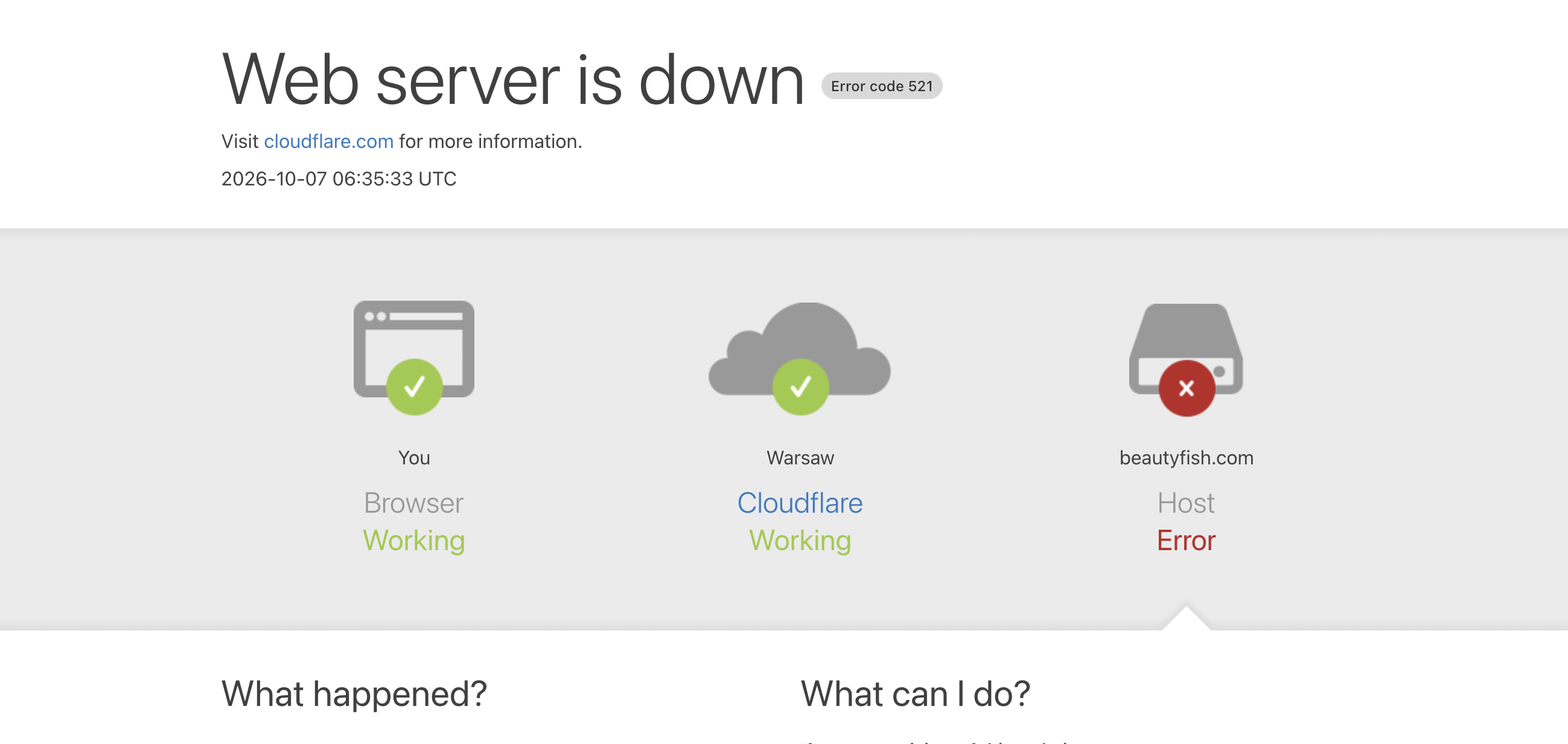
Currently, we can’t open your website and get the followign error https://xtemos.nyc3.digitaloceanspaces.com/scr/2026/10/07/shot-1791354938-f23045bef5d5a018.png
Kind Regards
-
AuthorPosts


- You must be logged in to create new topics. Login / Register