
Home / Forums / Basel support forum / Woocommerce gravity product add-ons conflict
Home › Forums › Basel support forum › Woocommerce gravity product add-ons conflict
Woocommerce gravity product add-ons conflict
- This topic has 9 replies, 2 voices, and was last updated 9 years, 8 months ago by
 Artem Temos.
-
AuthorPosts
-
October 25, 2016 at 6:52 pm #5886
nmdigitalParticipantMy product forms are not showing up consistently. I have reverted to a default theme and it works perfectly.
What we are seeing:
1. Form is created properly
2. Form is added to product properly (all variable products)
3. View product – no form
4. Select a option – still no form
5. Refresh – no form.
6. refresh – now there is a form
7. close tab, go back to product and repeat steps 3-6 with same results.Woocommerce updated, no errors/issues on the system status. WordPress current, all plugins current.
October 25, 2016 at 7:59 pm #5887Hello,
Thank you so much for using our theme.
We just visited a lot of variable products on your website, refreshed a few times and even switched to a default theme for a moment but still don’t see any forms. Could you please send us screenshots of how the form should look and a link to the product where we can see it?
Thank you in advance.
October 25, 2016 at 8:18 pm #5888
nmdigitalParticipantThank you so much for the quick check-in.
You will need to log-in using the credentials I shared privately.
https://www.g3studios.net/product/howler-caddy-wh/ (this is one of the products)
Step 3: https://snag.gy/dLTIH3.jpg
Step 4: https://snag.gy/5VHfot.jpg (other state)
Step 5: https://snag.gy/I4bDRN.jpg – after refreshing with an variable product selected
I have tested using twenty-fifteen theme and it all works as required with all plugins installed and active.
October 26, 2016 at 6:20 am #5897Thank you for detailed. We are not able to open the product you sent (always get an error). So we were testing with this one https://www.g3studios.net/product/howler-caddy/
1. Open the product
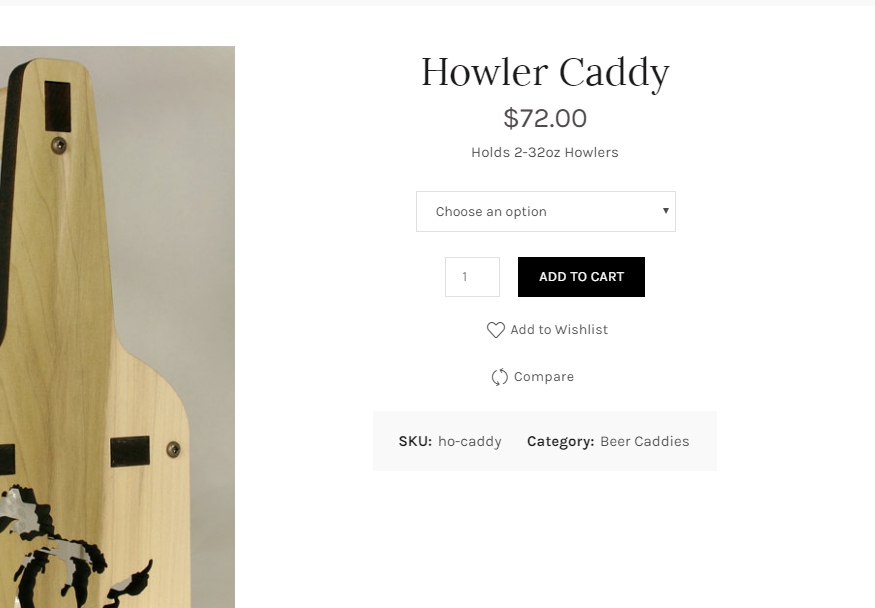
2. Check option
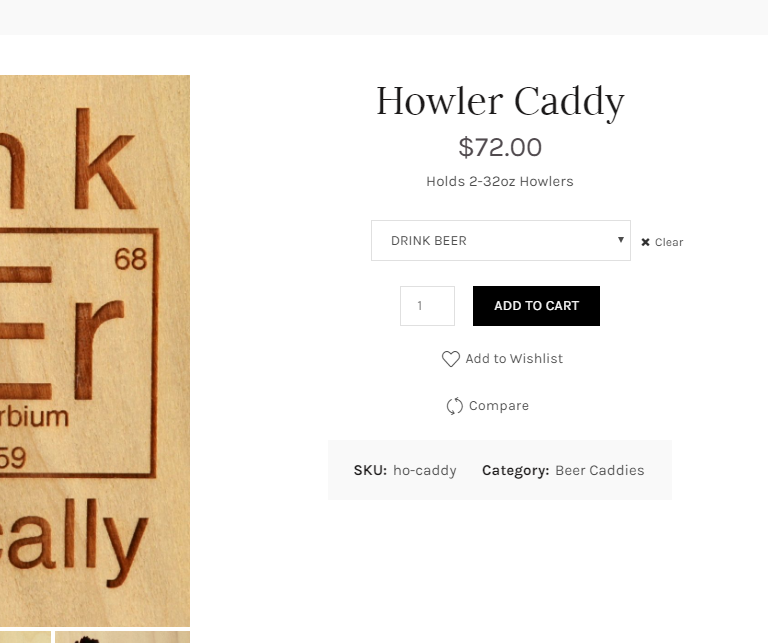
3. Refresh
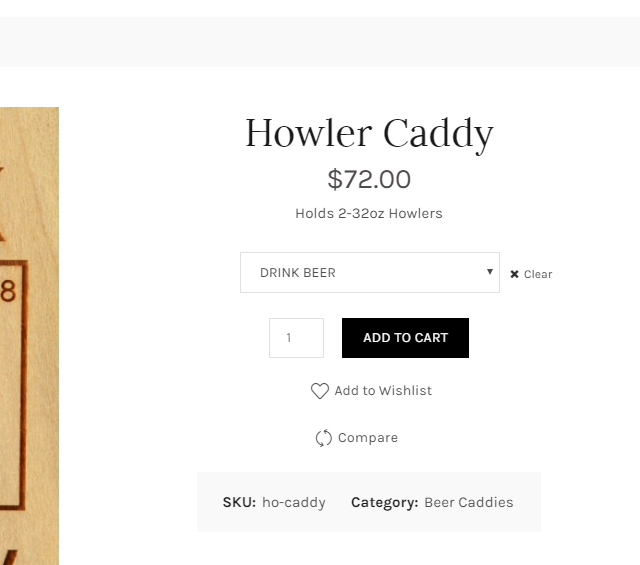
4. Default theme
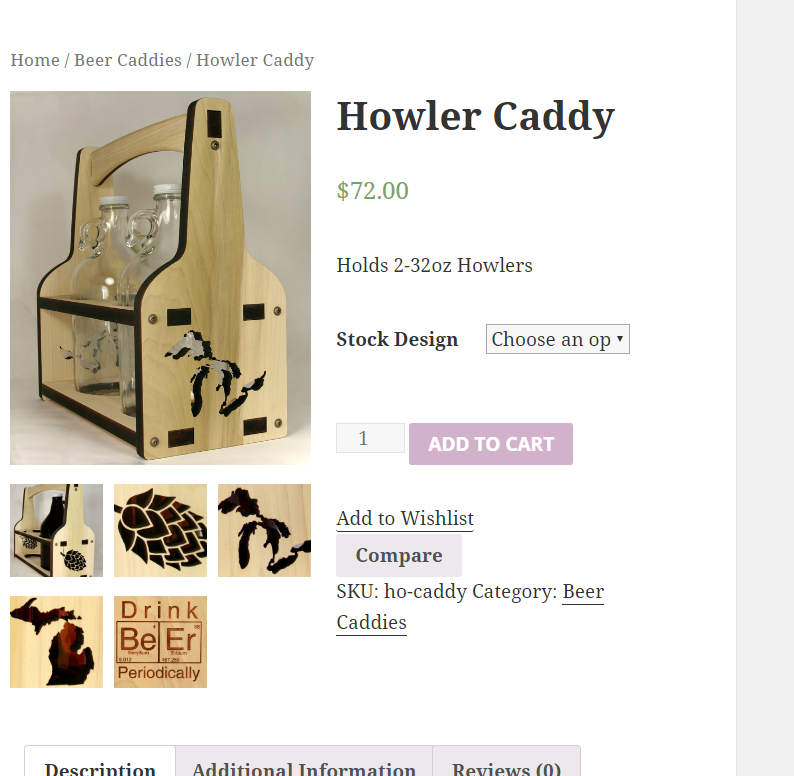
Could you please point us what we are doing wrong and why we can’t reproduce the problem?
Regards
October 26, 2016 at 1:21 pm #5912
nmdigitalParticipantGood morning, you have to be logged in in order to view the wholesale products – which is where the issue is – specifically in the “state your love” wholesale products. Once looged in as a wholesale member (or using the credentials we provided) the wholesale catalog will appear in the menu and those products are designated with a (wh) in the name. There is a selection box for “Pick your state” – and it is not appearing when you visit the product unless in the default theme.
October 26, 2016 at 3:15 pm #5915Got it. Now we see the problem. Are you able to provide us your FTP access so we could try to find a solution?
October 26, 2016 at 3:26 pm #5916
nmdigitalParticipantAbsolutely! Info below – thank you!
October 26, 2016 at 3:31 pm #5917Thank you. Please check now (clear your browser cache firstly).
Regards
October 26, 2016 at 3:50 pm #5918
nmdigitalParticipantThank you so much! May I ask what the conflict was?
We love the theme – thank you!
October 26, 2016 at 3:58 pm #5920Nevermind, simply JS issue. We will include the fix in our next update.
Regards
-
AuthorPosts


- You must be logged in to create new topics. Login / Register