
WordPress blog
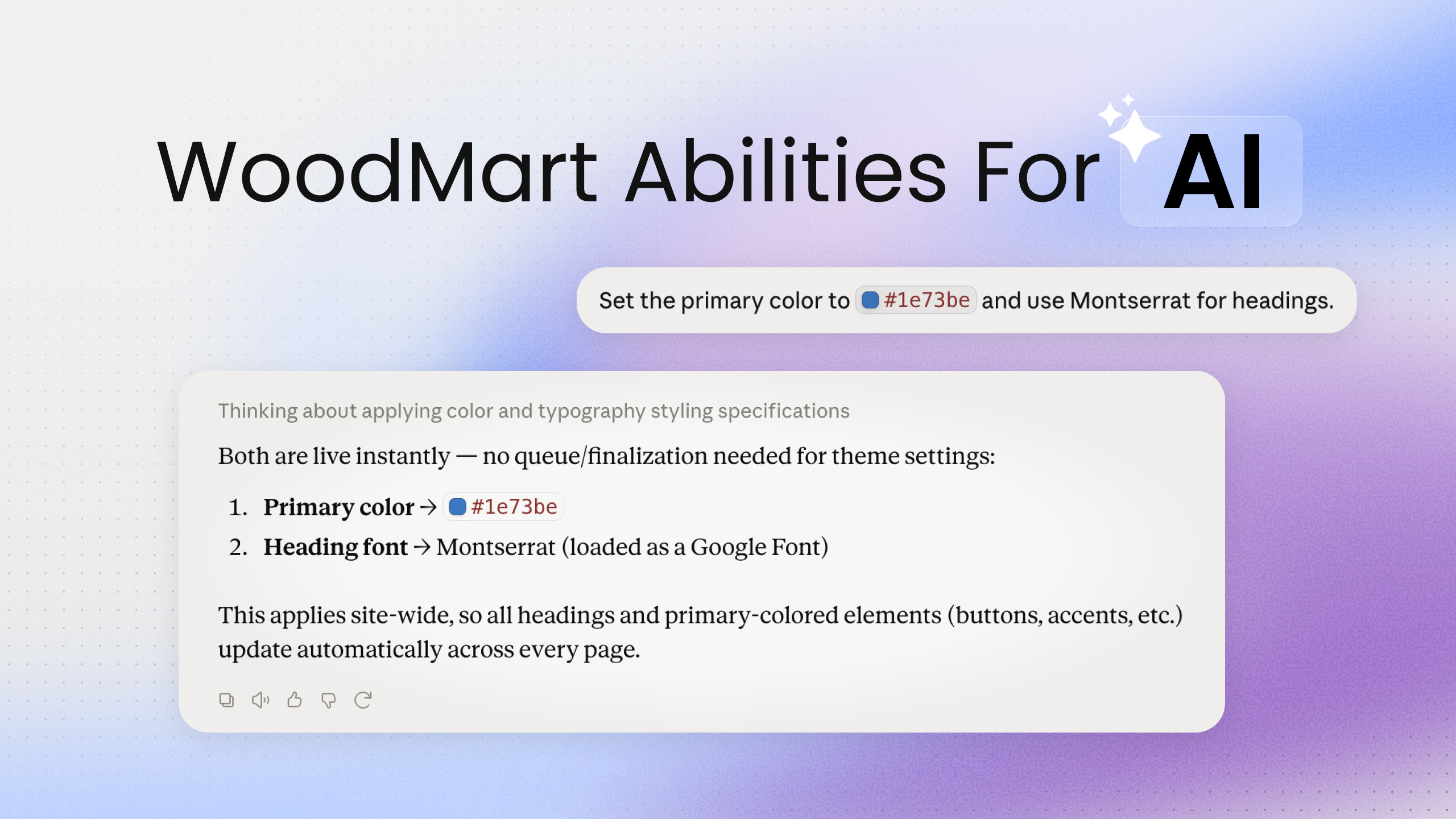

We like to keep you in the loop on what we are building. One of the bigger things in progress right now is WoodMart AI: editing your store by describing what you want to an AI agent, in plain language.
A quick framing first. More and more people build and edit sites with agentic AI assistants, and WordPress is moving fast here. The advantage of doing it in WordPress is that you keep everything you already know: your admin, your blocks, your familiar interfaces. You are not handed a black-box site you cannot touch afterward. And you will not need to be a developer, the setup is meant to be simple.
Here is how it will work. You connect an AI agent (Claude Desktop, Claude Code, Codex, and others) to your site and describe what you want. The agent makes the change directly in your pages, theme settings, and blocks.
Note: This is in development and not released yet. The details and scope can still change, and we do not have a firm release date. We are sharing it early to gather your feedback.


Why we are not shipping a generic WordPress MCP
General-purpose MCP servers for WordPress already exist, and we tested them. Two problems show up fast, and both matter more on a theme as structured as WoodMart. They are the reason we are building our own approach instead.
Edit only the blocks you touch. Generic tools regenerate the entire page for one small change. That is slow, and worse, it loses or breaks parts you never asked it to change. WoodMart AI edits only the relevant blocks (each block has its own ID) and sends just those edits. The rest of the page stays exactly as it was: fonts, colors, spacing, images, animations. That makes it faster, cheaper on tokens, and safe.
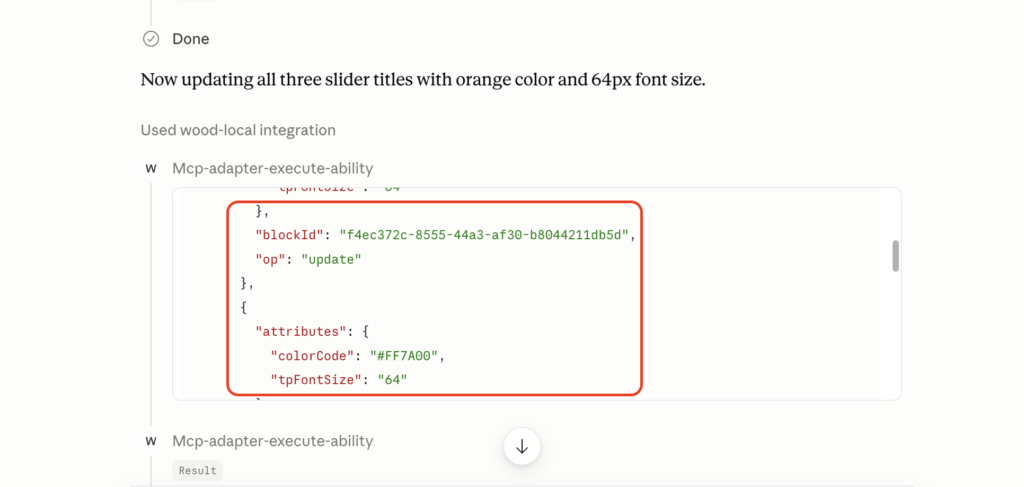
Do not break the blocks. Most WordPress MCP servers are simple. The moment you work with custom blocks, whether WoodMart’s or any other complex blocks, they guess at the markup and leave you with broken pages. WoodMart AI never writes block markup by hand. Blocks are assembled by the same Gutenberg engine that runs the normal editor, and the agent works from the real WoodMart block schema: which blocks exist, what settings they take, what values are valid. The blocks come out exactly as the editor would build them.
Stick to what is safe. The servers we tested handle heavy work by writing custom code: HTML, CSS, custom classes, sometimes a plugin. That has range, but the output is large blocks of code that are hard to maintain. We are focusing instead on abilities that are safe and always behave correctly, working with WoodMart’s own blocks and sections.
WoodMart AI vs a generic MCP server
| Generic MCP | WoodMart AI | |
|---|---|---|
| Small edit | regenerates the whole page | changes only the affected blocks |
| Speed and token cost | slow, expensive | fast, cheaper |
| Broken blocks | happen with custom blocks | do not happen (Gutenberg assembles them) |
| Theme knowledge | none | knows WoodMart blocks and settings |
Built on a standard, not a private API
WoodMart AI runs on the WordPress Abilities API and MCP, both open standards, rather than a proprietary endpoint of our own. That choice has three practical consequences:
- It works with any MCP-capable AI client: Claude Desktop, Claude Code, Codex, and whatever comes next.
- It uses normal WordPress permissions. The agent can do exactly what the logged-in user is allowed to do, and nothing more.
- There is no custom auth or format to learn. It follows the industry standard end to end.
What it will handle
- Content: rewrite, translate, or replace text on any page.
- Pages: build a page from scratch, insert a ready section from the template library, or swap out a block.
- Theme settings: change colors, fonts, and typography by describing them.
- Logo: upload a new logo into every header at once.
- Layouts: create and assign templates for the product page, shop, cart, checkout, and more.
- Content types: pages, posts, products, portfolio, and HTML blocks.
Things you will be able to ask it
Import a demo, then make it yours. Import a WoodMart demo, give the agent context about your business, and it walks the page replacing demo copy with yours while leaving the design intact.
Prompt: “Here’s what my company does: [name, what we sell, tone]. Go through the home page and replace all the demo text with copy relevant to my business. And update primary color to orange.”


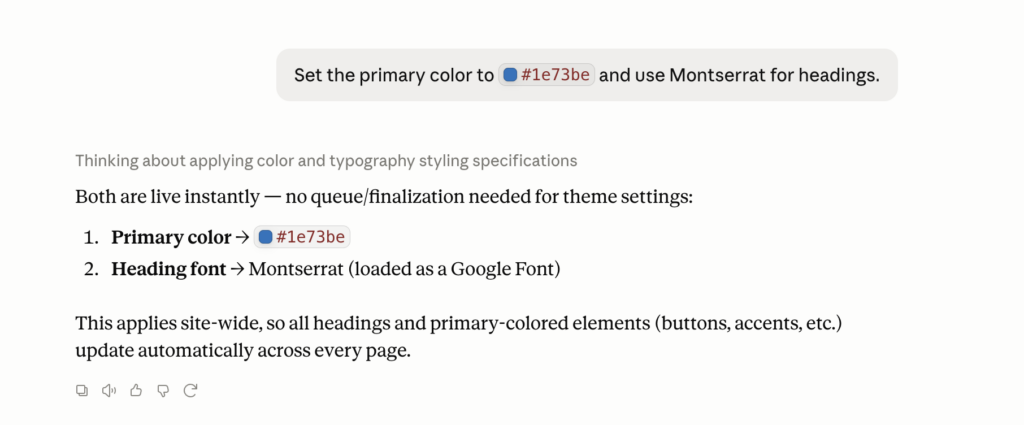
Apply your brand colors and fonts. No hunting through theme panels.
Prompt: “Set the primary color to #1e73be and use Montserrat for headings.”
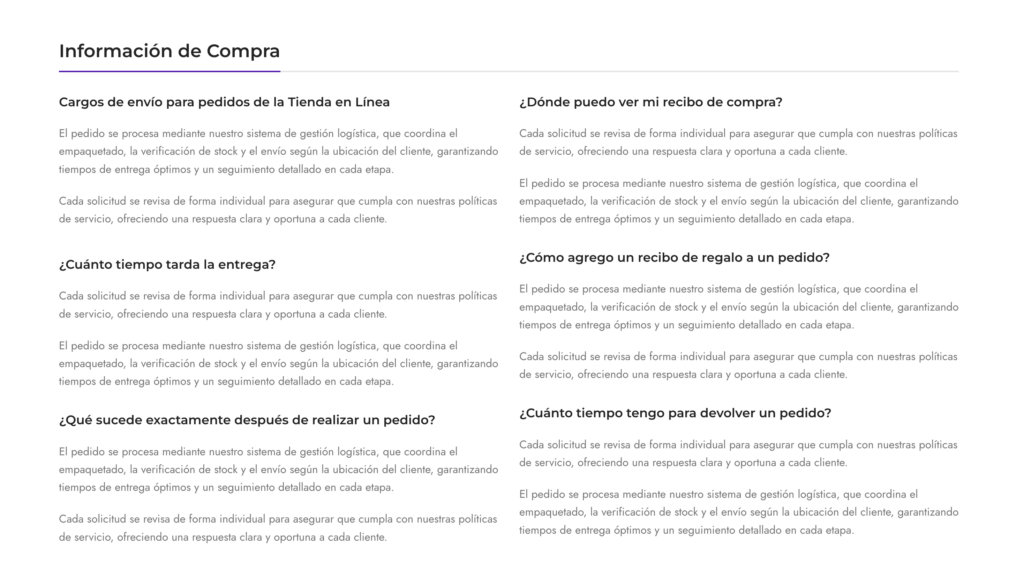
Translate the site. One prompt puts every text on the page into your language. Layout, colors, and blocks stay the same. You can combine it with the step above to rewrite and translate at once.
Prompt: “Translate all the text on the FaQ page into Spanish. Change nothing but the text.”
Replace the logo everywhere. One logo, into every header and every place it appears, in a single step.
Prompt: “Replace the logo in all headers with the one I just uploaded to the media library.”
Build a page from sections you pick yourself. Choose sections from the template library, paste their links, and let the agent assemble them into a page and write the copy.
Prompt: “Build an About page from these template sections: [link 1], [link 2], [link 3], [link 4], [link 5]. Write the About Us copy for my business: [context].”
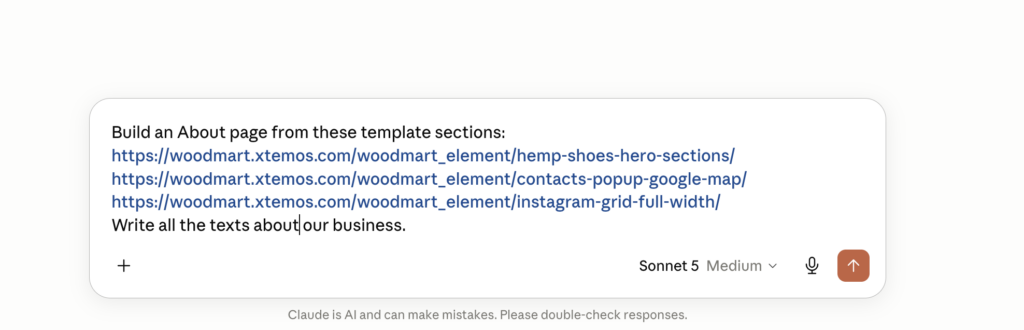
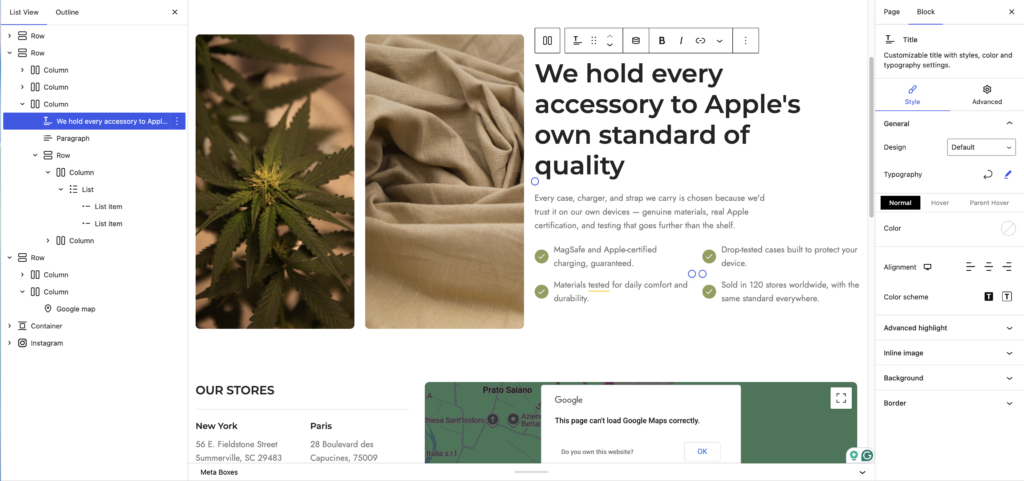
These five are just a starting point. The agent works through the abilities that WordPress and WooCommerce expose, so the list of things you can ask for is long. It can create and write blog posts, edit existing ones, and walk through your products to update them using the WooCommerce abilities that already ship with your store. It can also use core WordPress abilities to generate images, review and audit the site from inside WordPress, and more.
Where it will not be the right tool
We want to be honest about the edges, especially this early. A code-writing agent can build almost any custom design: complex CSS, custom classes, bespoke layouts. It has more raw range. The catch is the output. You get large blocks of code that are hard to maintain, and that you often cannot edit again with the same agent later. MCP is not ready for that kind of heavy custom work yet.
WoodMart AI stays close to the theme’s blocks and simple sections, which keeps every change clean and editable. Think of it as a fast assistant for editing and prototyping, not a design machine for complex custom sites. That may come later.
One more thing to expect: the agent acts within your WordPress user’s permissions, so it can only reach what you can reach, and the clearer your prompt is about what to change and what to leave, the better the edit.
What’s next
We are still building this, so now is the time to shape it. Tell us what you would want an AI agent to handle in your WoodMart store: vote and post on UserJot, or share in the WoodMart community on Facebook.
FAQ
Is WoodMart AI free?
It works through your own AI agent, so you need a subscription to one of them: Codex, Claude Code, or another agentic AI. That is where the cost sits. You connect the agent you already pay for to your WoodMart site.
Can I test it now?
Yes. Write to us in the comments or on Facebook, and we will send you the instructions to set it up and try it.
Can I use it on a live store?
We do not recommend it. The AI can still make mistakes, so for now we strongly recommend testing only on a staging or development site, not on production.
Does it work with Elementor or WPBakery?
Not yet. Right now editing works only with Gutenberg blocks, including WoodMart’s own blocks. Pages built with Elementor or WPBakery are not supported at this stage.

Leave a Reply
You must be logged in to post a comment.
3 thoughts on “WoodMart Abilities for AI preview”
Hi, I hope this is the right place to ask: I want to test this! Can you give me instructions on how to do so?
Thank you for your interest. Please send us a message using the contact form and I will send you all the details https://xtemos.com/contact-us/
Congratulations, you are doing a miracle. I hope I can test soon….