
Guides & tutorials
Guides & tutorials
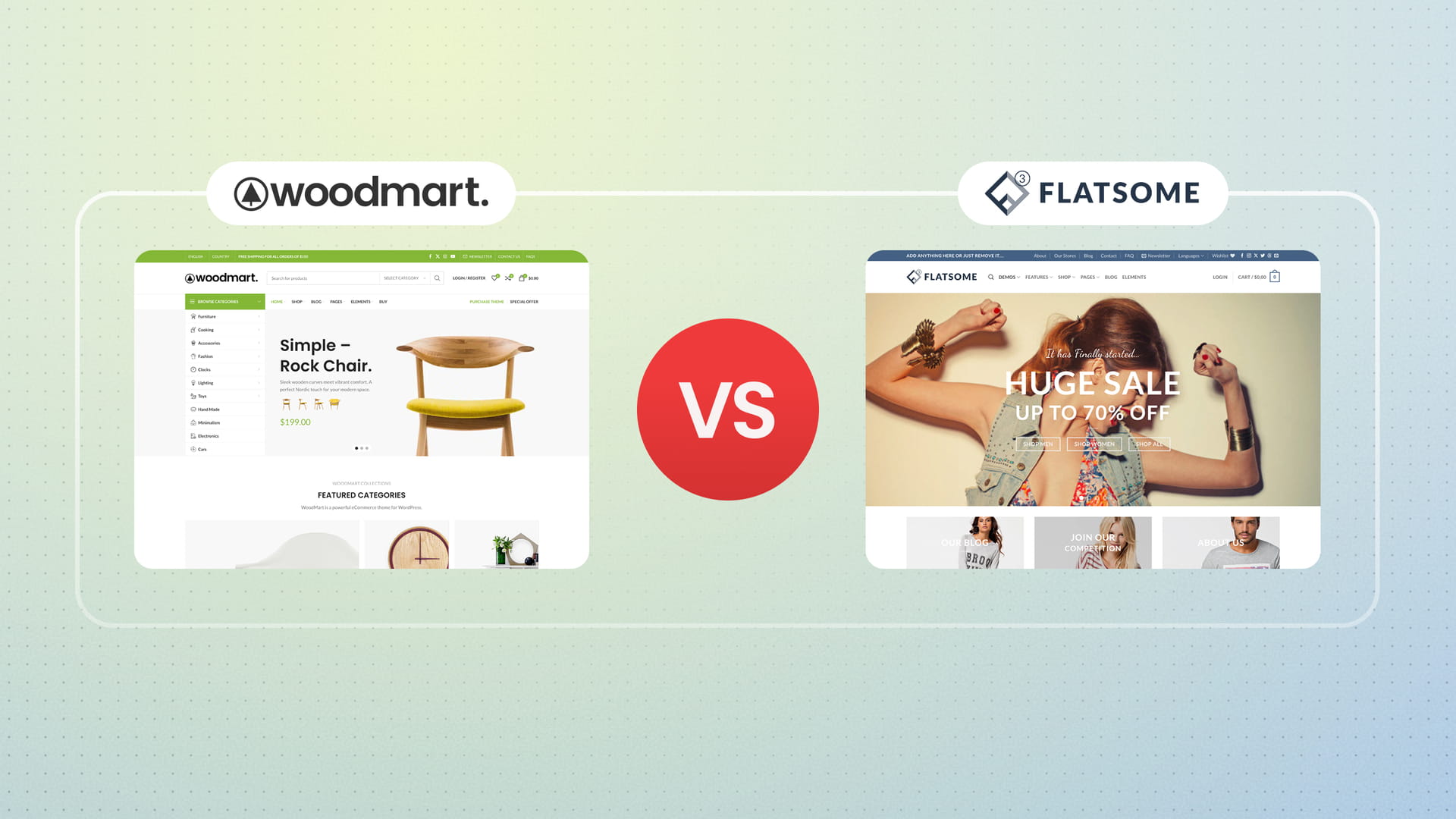

WoodMart vs Flatsome: WooCommerce theme comparison
In this article we compare two of the most popular WooCommerce themes: WoodMart and Flatsome. Instead of simply listing features,...

WordPress performance optimization: a step-by-step WoodMart guide
There's no universal fix for a slow WordPress site. Speed depends on your hosting, your content, and how each page...

WoodMart accessibility optimization guide
Creating an accessible website is not just about compliance — it’s about ensuring that every user, regardless of their ability,...

Custom WooCommerce cart page in WoodMart (no plugin)
The default WooCommerce cart works. It lists items, shows totals, and gives shoppers a checkout button. So the question worth...

WooCommerce product video gallery: the two ways WoodMart does it
A short clip shows what photos can't: how a fabric moves, how big something really is, how a product works...

WooCommerce catalog mode in WoodMart, and when you need a plugin
Catalog mode turns a WooCommerce store into a browsable product list with no buying: people see the products, but there's...

WooCommerce AJAX cart: how WoodMart extends it beyond the default
WooCommerce has AJAX add to cart built in, but only on archive pages. Add a product from a single product...

WooCommerce free gifts in WoodMart: no plugin required
A free gift tied to a cart total, like "spend $100, get this free," is one of the few promotions...

How WoodMart recovers abandoned carts in WooCommerce
Most carts never make it to checkout. Across ecommerce, Baymard puts the average abandonment rate above 60%, and every one...

Tiered pricing in WooCommerce: quantity discounts in WoodMart
Tiered pricing gives customers a lower per-unit price the more they buy. A store running tiered discounts might offer 5%...