
Set up a child theme
A child theme is the recommended way to add file-based customizations to WoodMart without editing the parent theme directly. WoodMart updates do not overwrite the files stored in the child theme.
When to use a child theme
Use a child theme when you need to add or maintain:
- Custom PHP functions, hooks, or filters.
- Supported template overrides.
- Custom CSS or JavaScript stored in theme files.
- Other file-based customizations.
You do not need a child theme for Theme Settings, page-builder content, menus, widgets, WooCommerce settings, or Custom CSS saved in the database.
How a child theme works
The WoodMart package includes a ready-to-use child theme with a minimal set of starter files. It inherits the design and functionality of the parent WoodMart theme while giving you a separate place for custom code and supported template overrides.
A child theme can override supported template files, but its functions.php file does not replace the parent theme’s functions.php. WordPress loads both files, allowing you to add custom functions, actions, and filters from the child theme.
Install and activate the WoodMart child theme
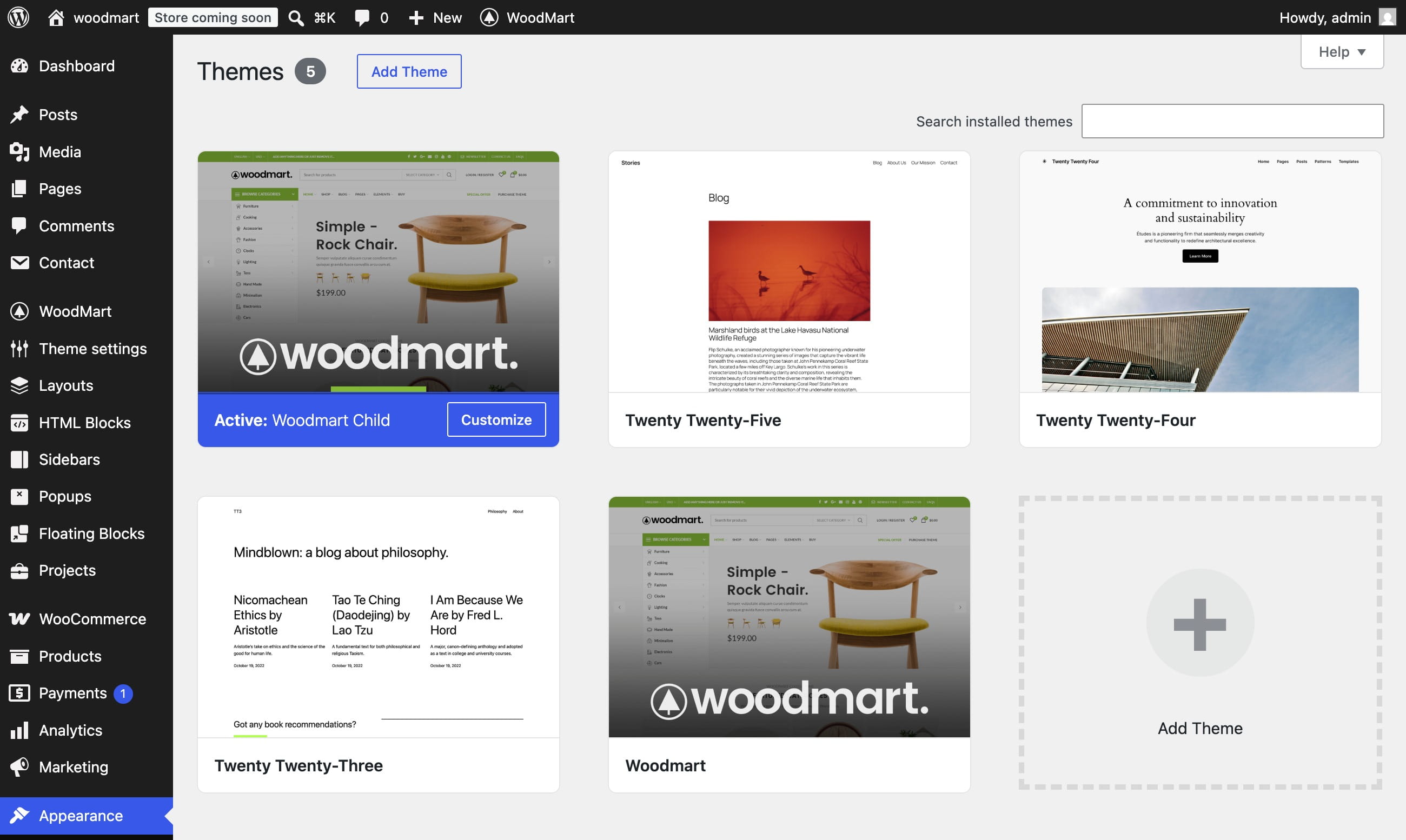
During the initial WoodMart setup, the setup wizard can install the child theme automatically. If you skipped that step, install it manually:
- Locate woodmart-child.zip in the original WoodMart package downloaded from ThemeForest, or download the WoodMart child theme here.
- Navigate to Appearance -> Themes -> Add New Theme.
- Click Upload Theme, select woodmart-child.zip, and click Install Now.
- When the installation is complete, click Activate.
- Keep the parent WoodMart theme installed. Do not delete it after activating the child theme.
Support and maintenance
After updating WoodMart or related plugins, test your customizations on a staging website before applying the same changes to a production store.
Official WordPress documentation
For more information about child-theme structure, template overrides, and functions.php, see the official WordPress Child Themes documentation.
Don’t miss WoodMart updates
Receive feature updates, tutorials, and WoodMart news via email.
 Last updated: August 11, 2026