
Order tracking form
The order tracking form is a standard WooCommerce feature that lets customers view the current status and details of an order. It is especially useful for guest customers who do not have an account on your website.
Customers access an order by entering its order ID and the billing email address used during checkout. The form displays WooCommerce order information; shipment or carrier tracking requires separate functionality.
Create an order tracking page
- Navigate to Dashboard -> Pages -> Add New.
- Add the order tracking form using the option available in your editor:
- Gutenberg: add a Shortcode block containing
[woocommerce_order_tracking]. - Elementor: add the Shortcode widget and enter
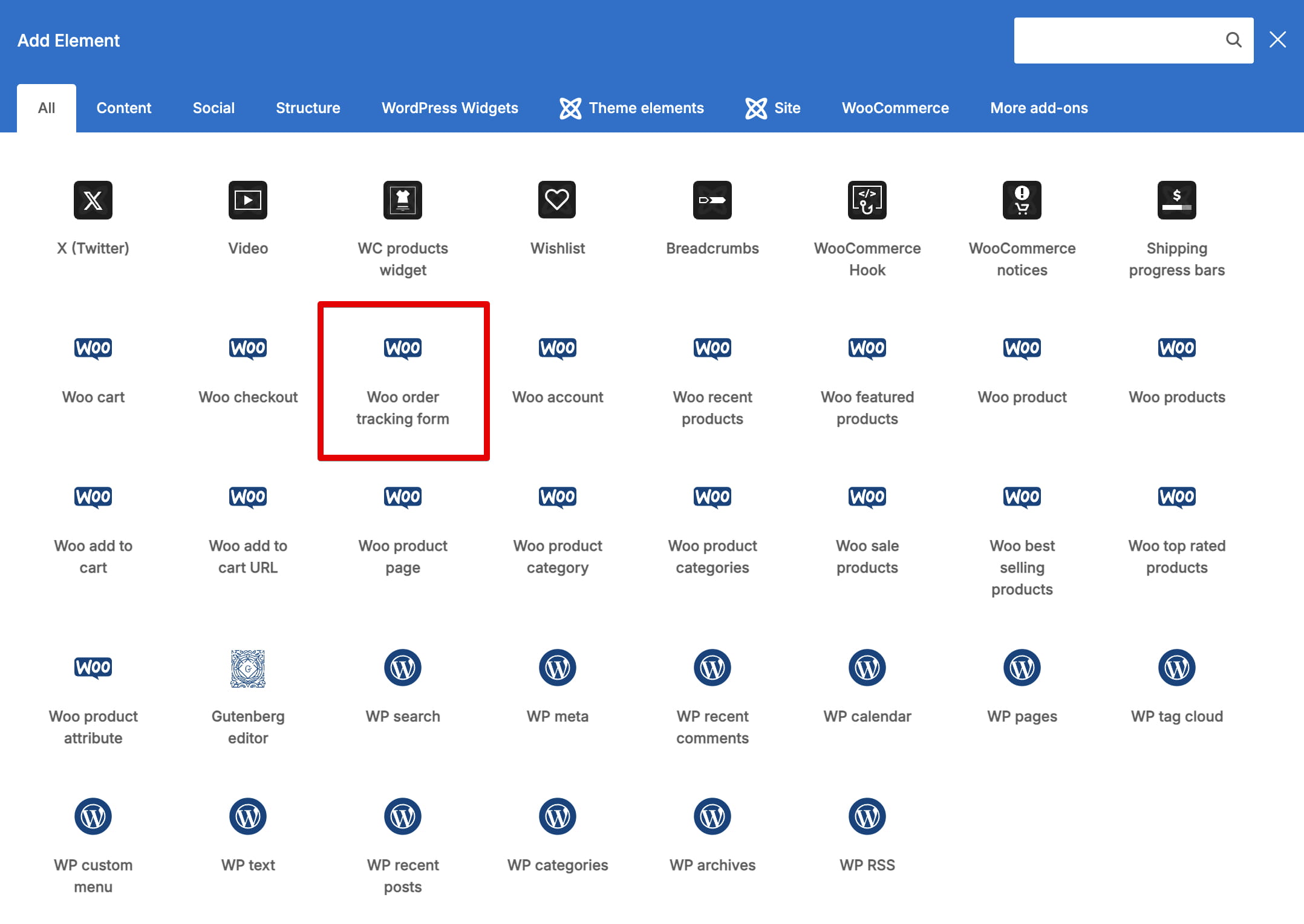
[woocommerce_order_tracking]. - WPBakery: add the Woo order tracking form element.
- Gutenberg: add a Shortcode block containing
- Publish the page.
How customers track an order
The customer enters the Order ID from the order confirmation and the corresponding Billing email, then selects Track. WooCommerce displays the order status and available order details on the same page.
See the form on the WoodMart order tracking demo.
Don’t miss WoodMart updates
Receive feature updates, tutorials, and WoodMart news via email.
 Last updated: August 11, 2026