
Header Builder overview
Header Builder lets you create and manage the complete header layout without editing theme files. Each header can contain separate desktop and mobile arrangements with menus, logos, search, account links, shopping tools, HTML Blocks, and other elements.
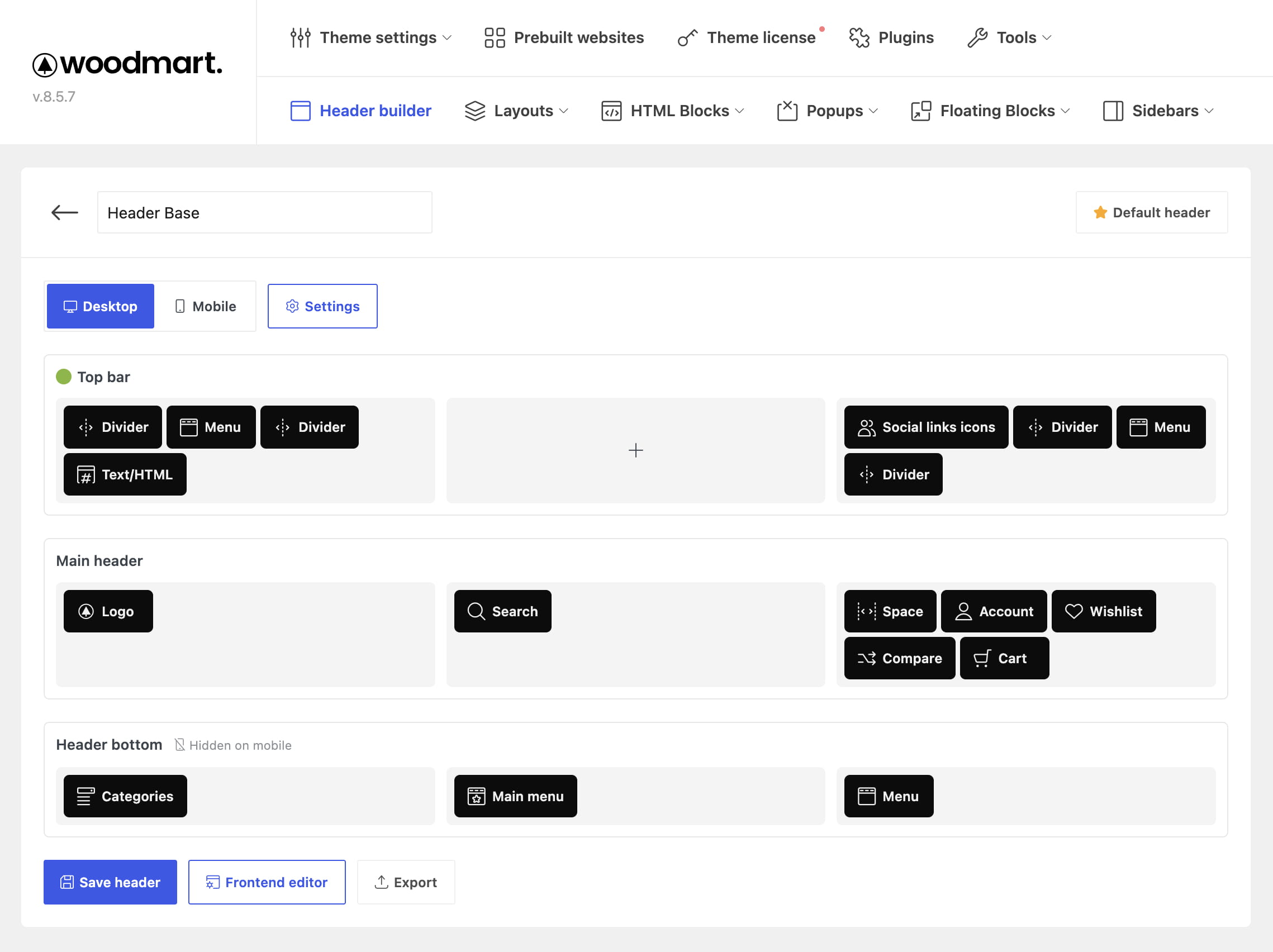
Open Header Builder
Navigate to Dashboard -> WoodMart -> Header builder. The headers manager lets you search saved headers, edit or duplicate them, import a header, create a new one, set a header as default, and delete headers that are no longer needed.
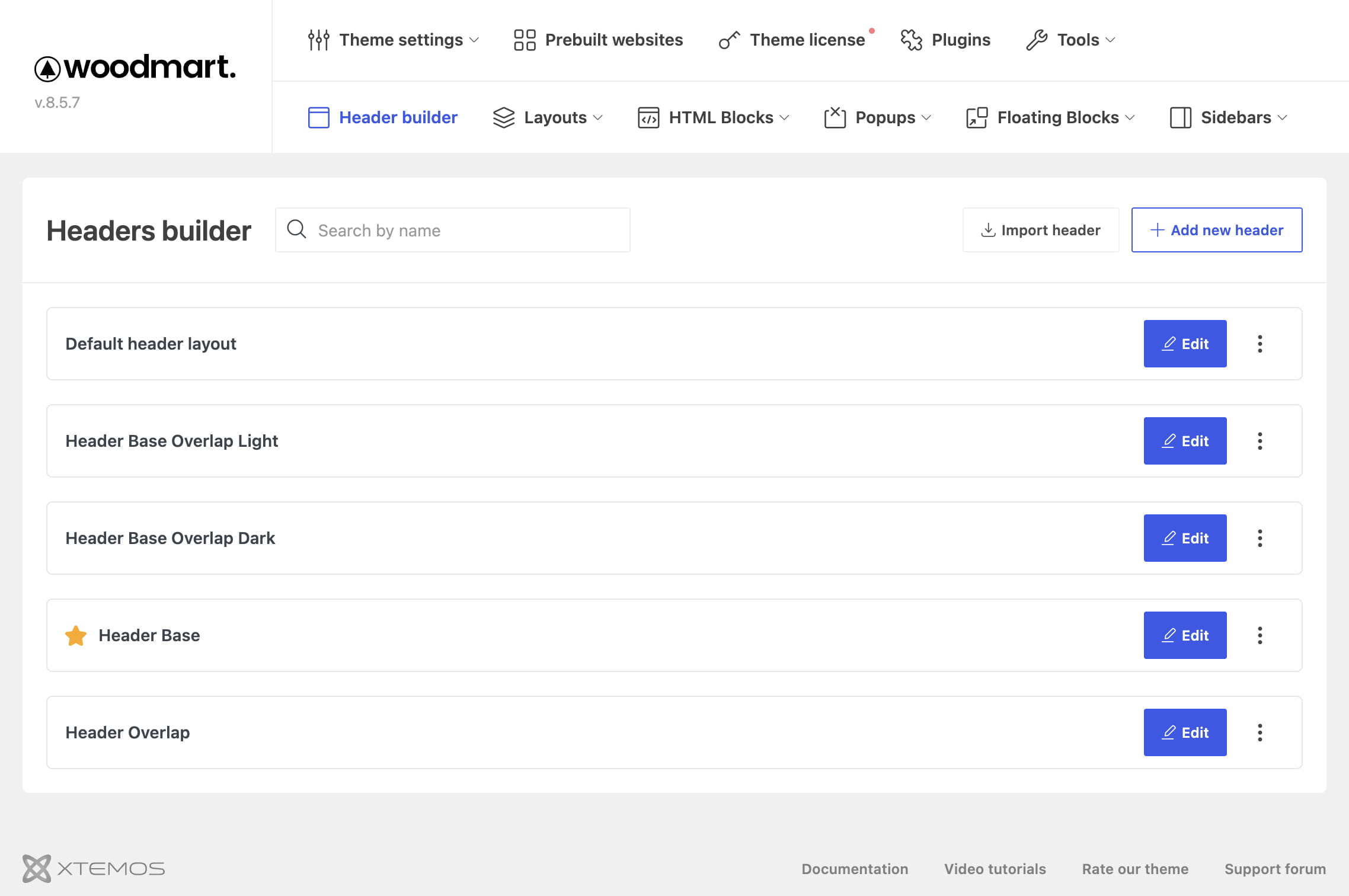
How headers are used
One saved header is used as the default across the website. Other headers can be assigned to individual pages, posts, products, projects, content types, or conditional Theme Settings presets. Changes made in the editor are applied only after you click Save header.
To begin, see Create a header. To edit a header over a live page preview, see Edit a header in Frontend mode. For header assignment rules, see Assign headers to pages and content types.
Don’t miss WoodMart updates
Receive feature updates, tutorials, and WoodMart news via email.
 Last updated: August 11, 2026