
Change the header height
The total header height is determined by the visible Top bar, Main header, and Header bottom rows. Each row has independent height controls.
Configure row height
- Open the required header in Dashboard -> WoodMart -> Header builder.
- Click Edit settings on the row.
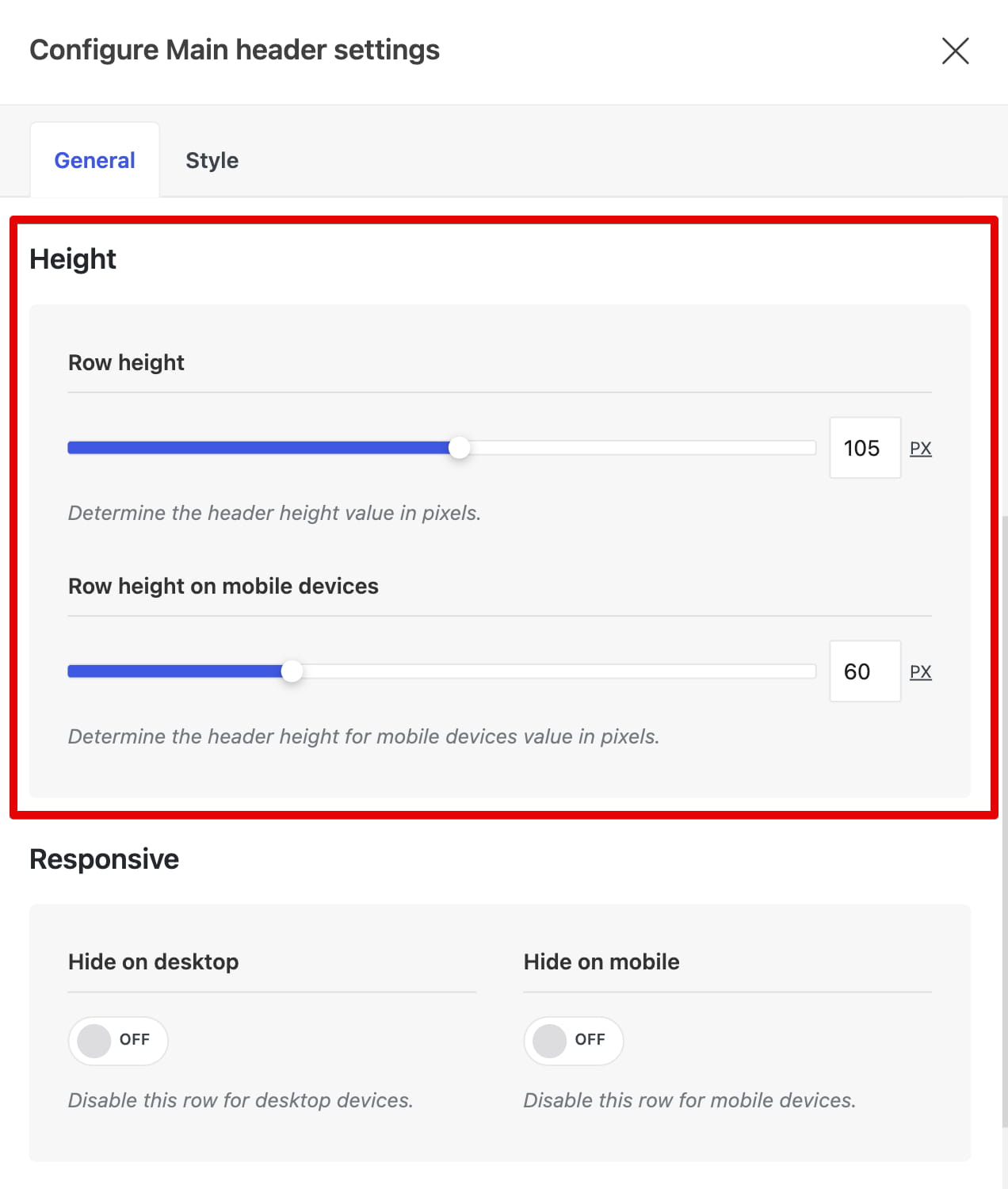
- Use Row height for desktop devices and Row height on mobile devices for screens 1024 px and below.
- If Make it sticky is enabled for the row, configure Row height on sticky header.
- Save the row settings and click Save header.
Sticky header clone height
When Sticky header clone is enabled, its height is not controlled by an individual row. Open Header settings -> Sticky header and use Sticky header height instead.
If the content inside a row requires more space than the selected value, elements such as the logo may be scaled or constrained to fit.
Don’t miss WoodMart updates
Receive feature updates, tutorials, and WoodMart news via email.
 Last updated: August 11, 2026