
Set the default header
The default header is displayed wherever no more specific header has been assigned.
- Navigate to Dashboard -> WoodMart -> Header builder.
- Locate the required header.
- Open its actions menu and click Set as default.
- Confirm the action.
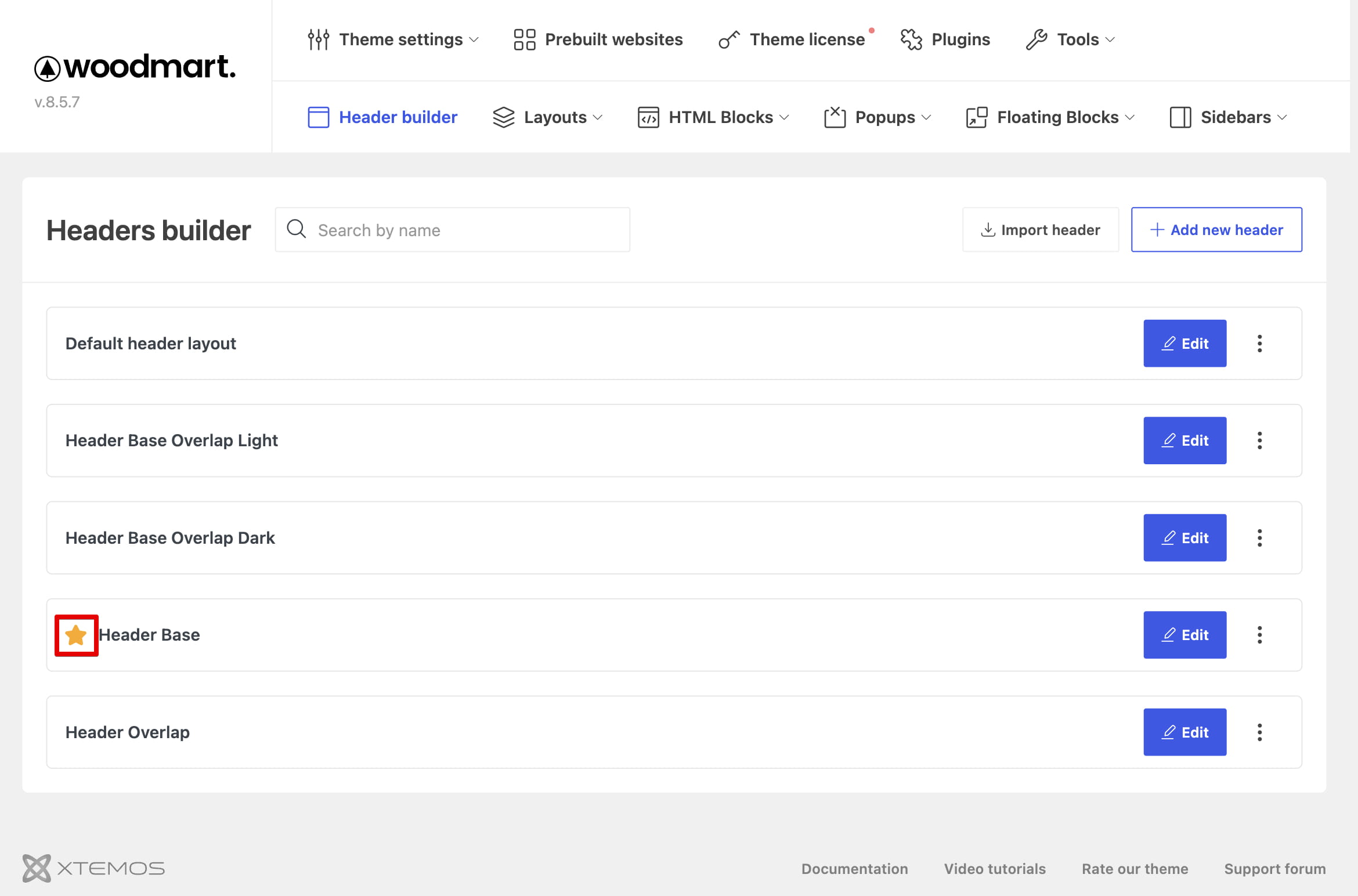
You can also set the open header as default from the star control at the top of the editor. The manager marks the active default header so it can be identified in the list.
Override the default header
A different saved header can be assigned to individual pages, posts, products, projects, or broader content types. These assignments override the default header without changing it for the rest of the website.

See Assign headers to pages and content types for the available assignment methods.
Don’t miss WoodMart updates
Receive feature updates, tutorials, and WoodMart news via email.
 Last updated: August 11, 2026