
Single post builder
Single post layouts replace the standard blog post template with a design created in Gutenberg, Elementor, or WPBakery. Create one layout for all posts or use different layouts for selected posts, categories, tags, or post formats.
Create a Single post layout
1. Navigate to Dashboard -> Layouts -> Single post and click the add button.
2. Select Single post, enter the layout name, and configure its conditions.
3. Choose a predefined design or start with a blank layout, then click Create layout.
4. Build the post template and publish the layout.
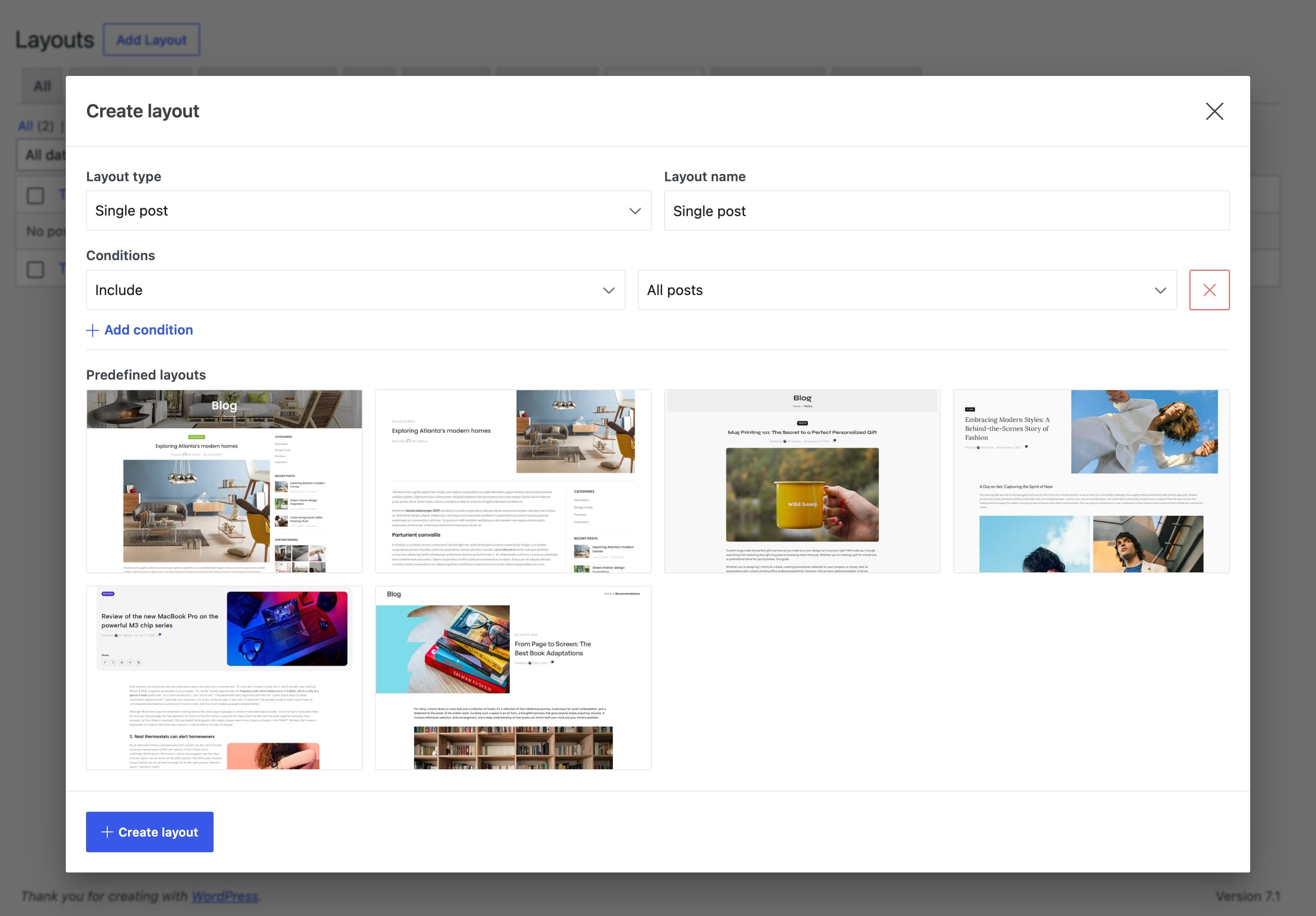
Set layout conditions
Use Include and Exclude conditions to target:
- All posts
- Single post ID
- Post category
- Post tag
- Post format
A general layout can use All posts, while more specific layouts can be assigned to individual posts or groups of posts.
Single post elements
These elements display data from the post currently being viewed.
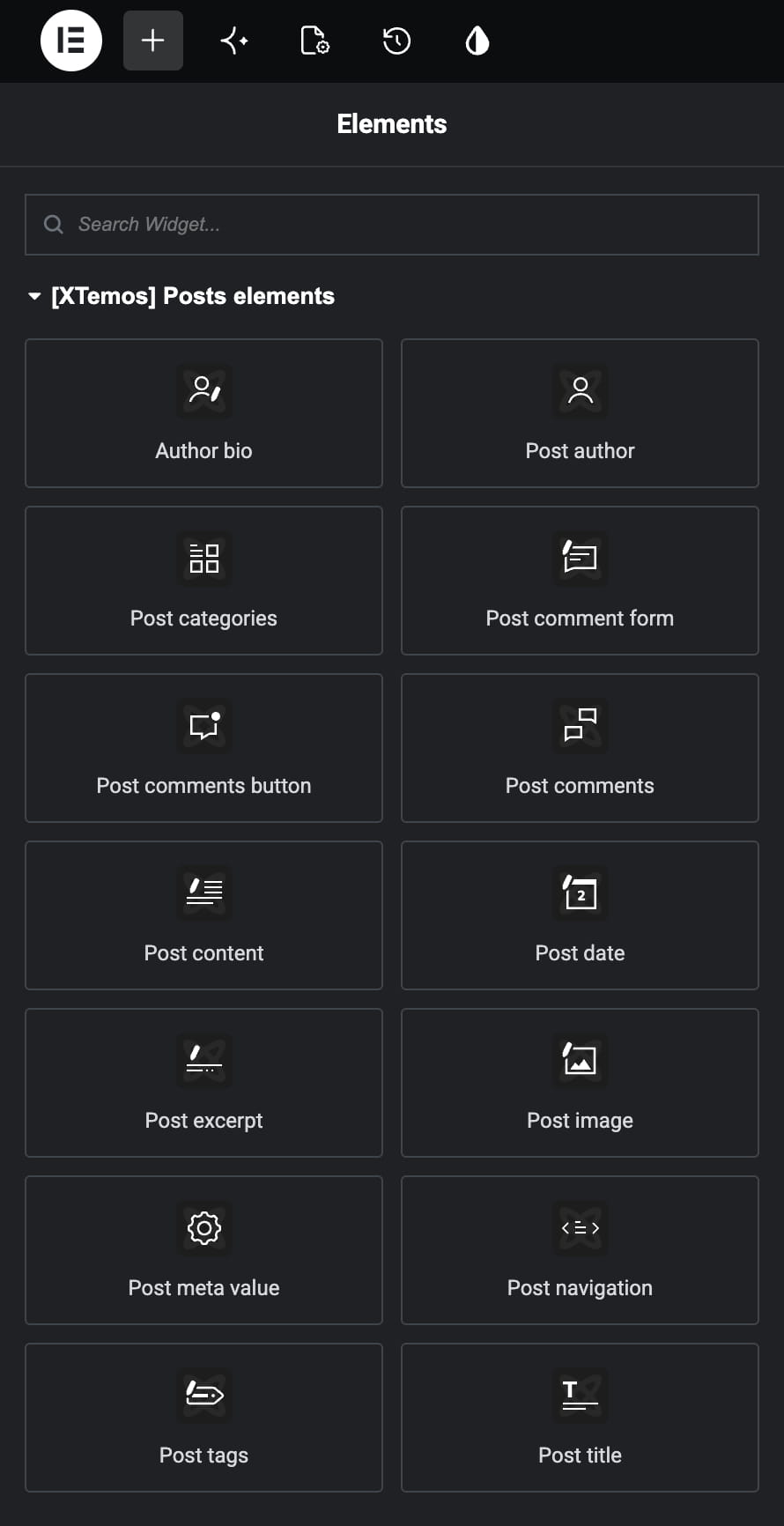
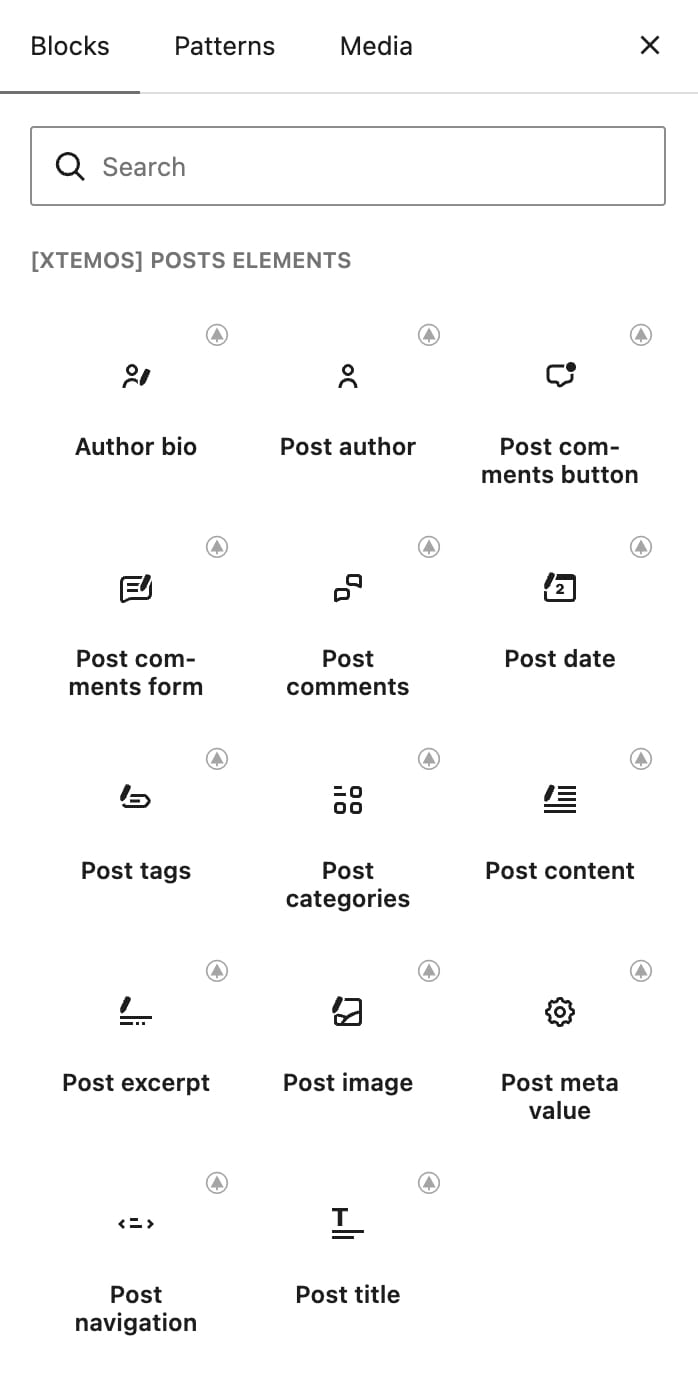
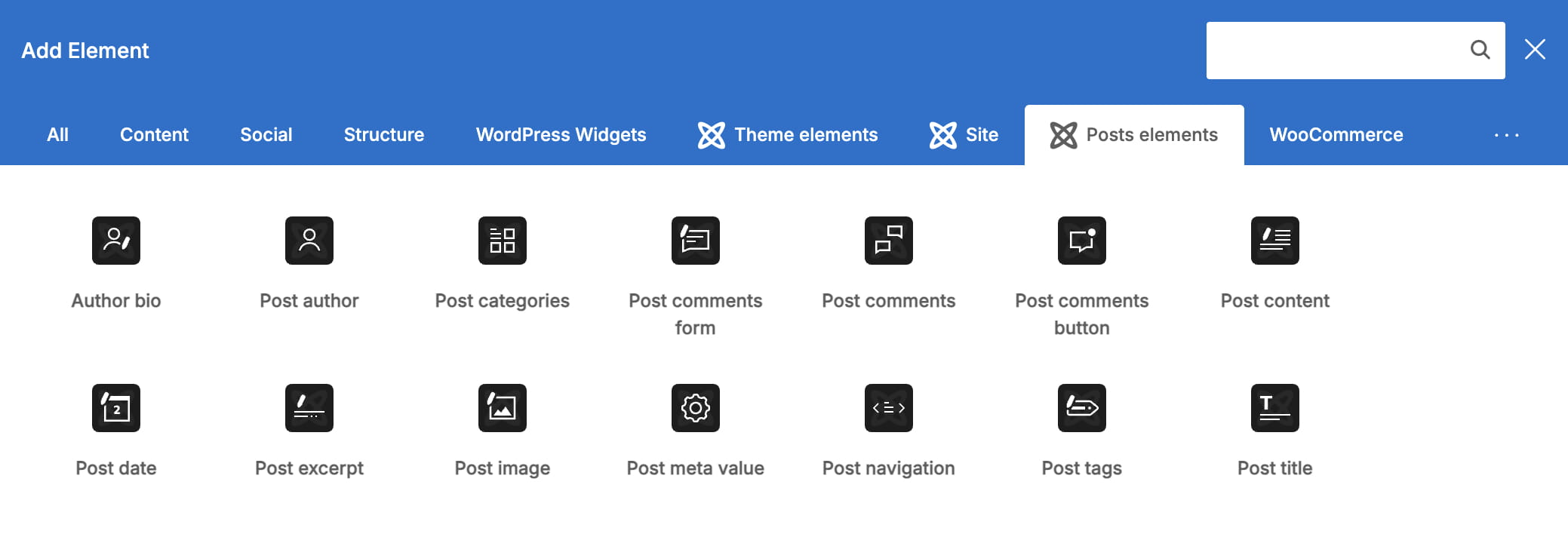
- Post title — displays the current post title.
- Post image — displays the featured image assigned to the post.
- Post content — displays the complete post content.
- Post excerpt — displays the post excerpt.
- Post date — displays the publication date.
- Post author — displays information about the post author.
- Author bio — displays the author profile with the avatar, name, and biographical description.
- Post categories — displays the categories assigned to the post.
- Post tags — displays the tags assigned to the post.
- Post meta value — displays a selected metadata field from the current post.
- Post comments button — displays the comment count and links visitors to the comments section.
- Post comments — displays the existing comments and replies.
- Post comment form — displays the form used to submit a new comment.
- Post navigation — provides links to the previous and next posts.
Regular blocks and widgets can add banners, sidebars, related posts, reusable content, and other supporting sections around the post data.
Related documentation
Don’t miss WoodMart updates
Receive feature updates, tutorials, and WoodMart news via email.
 Last updated: August 31, 2026