
Blog archive builder
Blog archive layouts control pages that list posts, including category, tag, author, date, and search archives. They can be created with Gutenberg, Elementor, or WPBakery.
Create a Blog layout
1. Navigate to Dashboard -> Layouts -> Posts archive and click the add button.
2. Select Blog, enter the layout name, and configure its conditions.
3. Choose a predefined design or start with a blank layout, then click Create layout.
4. Build the archive and publish the layout.
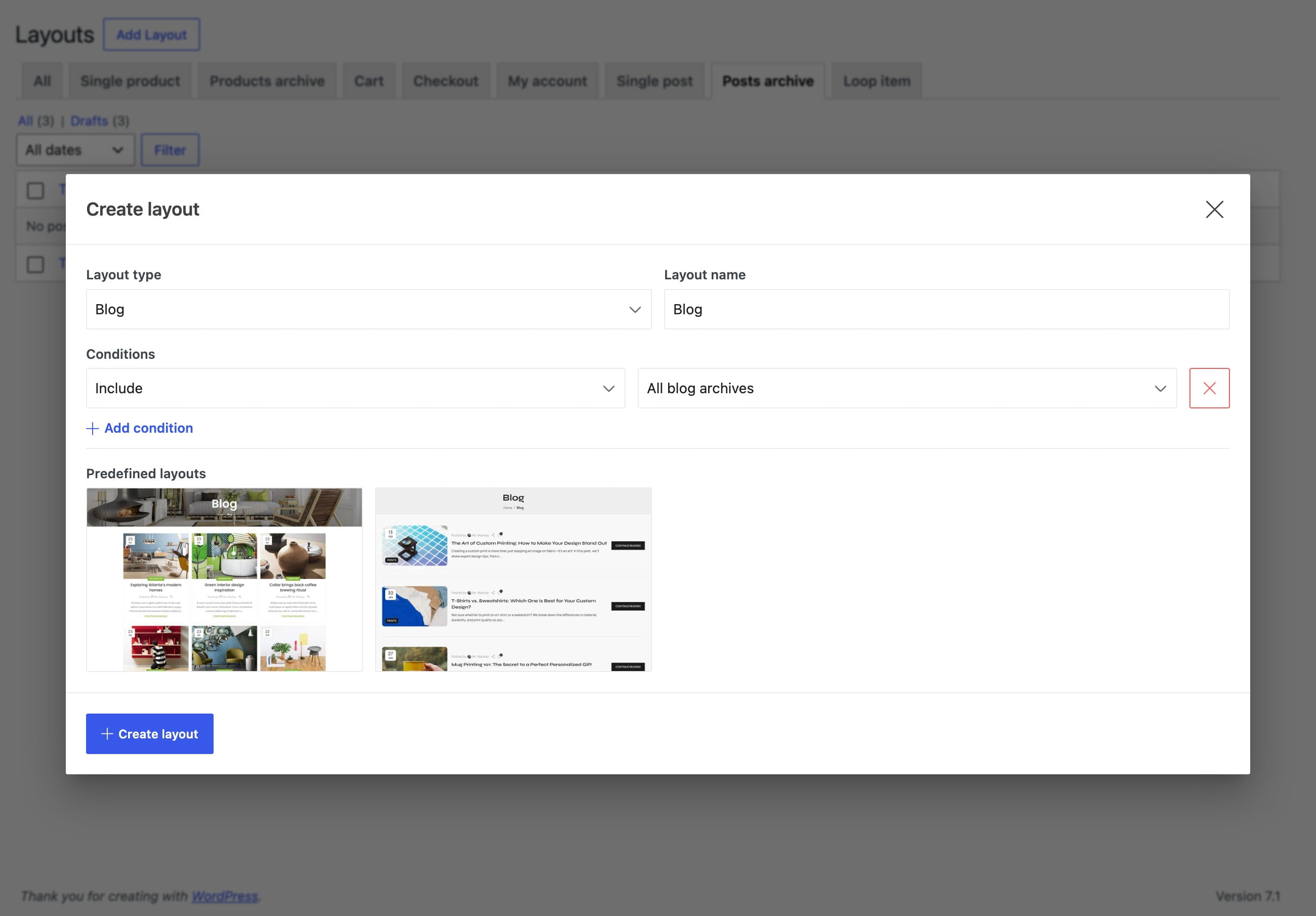
Set layout conditions
Blog layouts can target:
- All blog archives
- Blog search results
- Blog categories
- Blog tags
- Blog author pages
- Blog archives by date
Use All blog archives for a general design and create more specific layouts when a category, author, or another archive requires a different structure.
Build the archive
The primary layout element is Blog archive. It displays posts from the current archive query and provides the grid, list, pagination, and design settings for the listing.
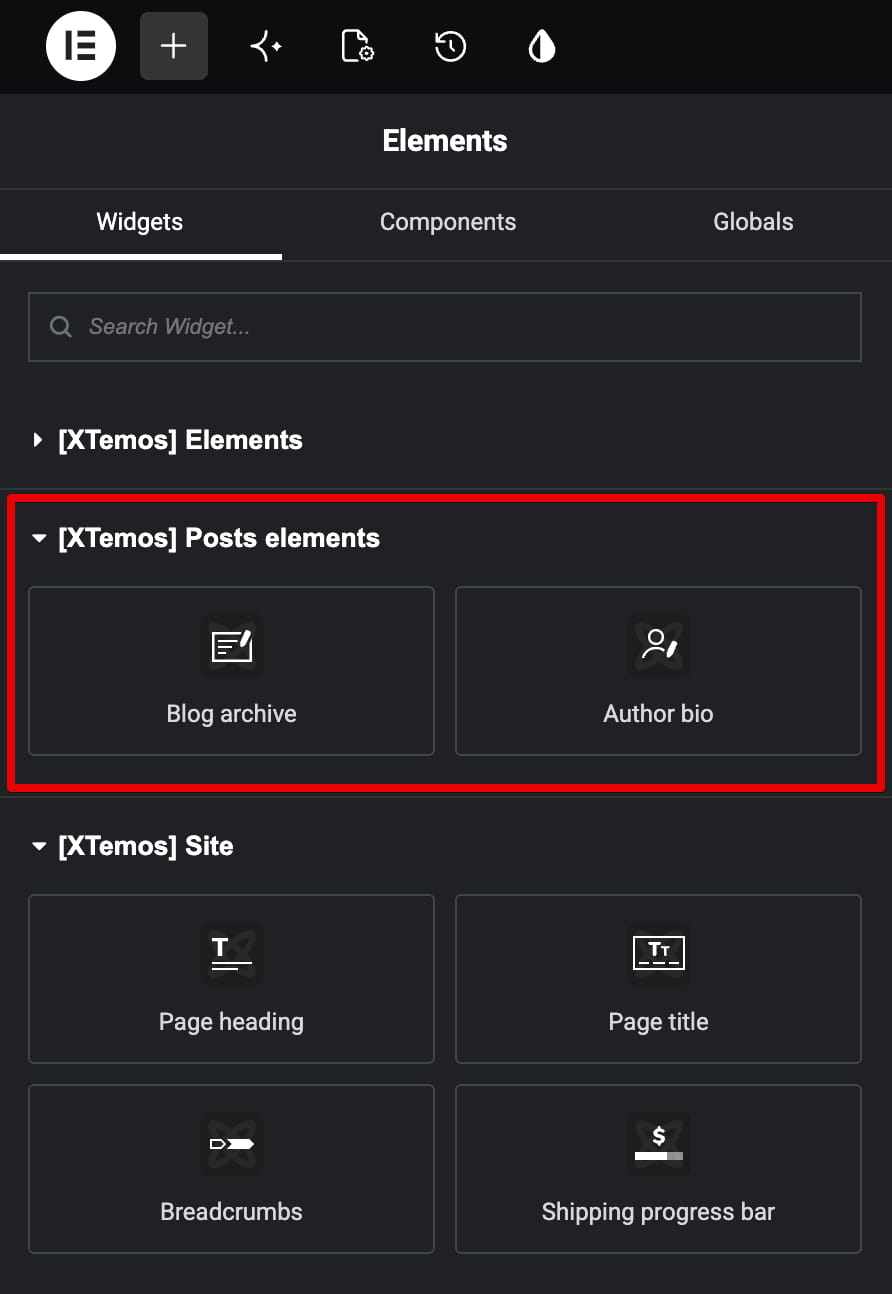
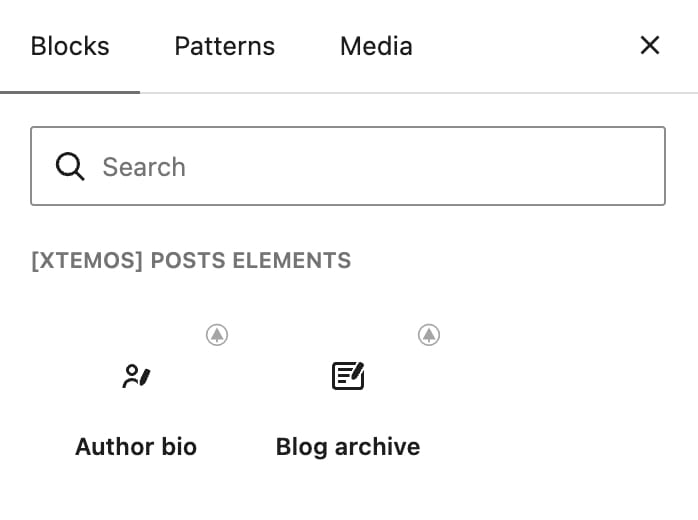
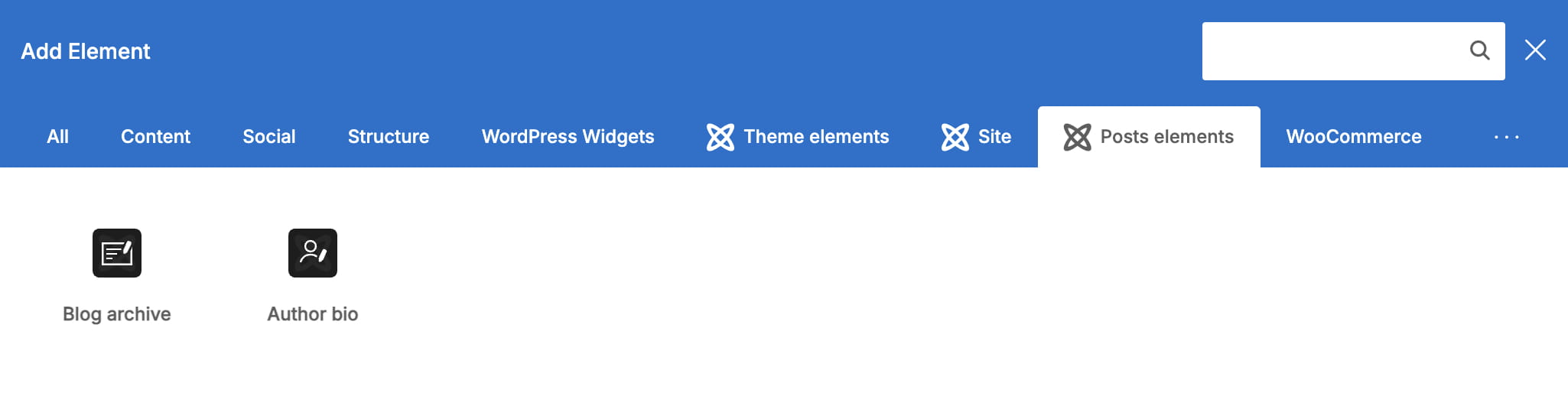
Use Author bio when an author archive should display information about the current author. Regular blocks and widgets can add the page title, supporting text, banners, sidebars, or other content around the post listing.
Related documentation
Don’t miss WoodMart updates
Receive feature updates, tutorials, and WoodMart news via email.
 Last updated: August 31, 2026