
My account page builder
My account layouts let you customize the WooCommerce customer dashboard, login and registration forms, and password recovery page. Gutenberg, Elementor, and WPBakery provide dedicated elements for each layout type.
Create a customer account layout
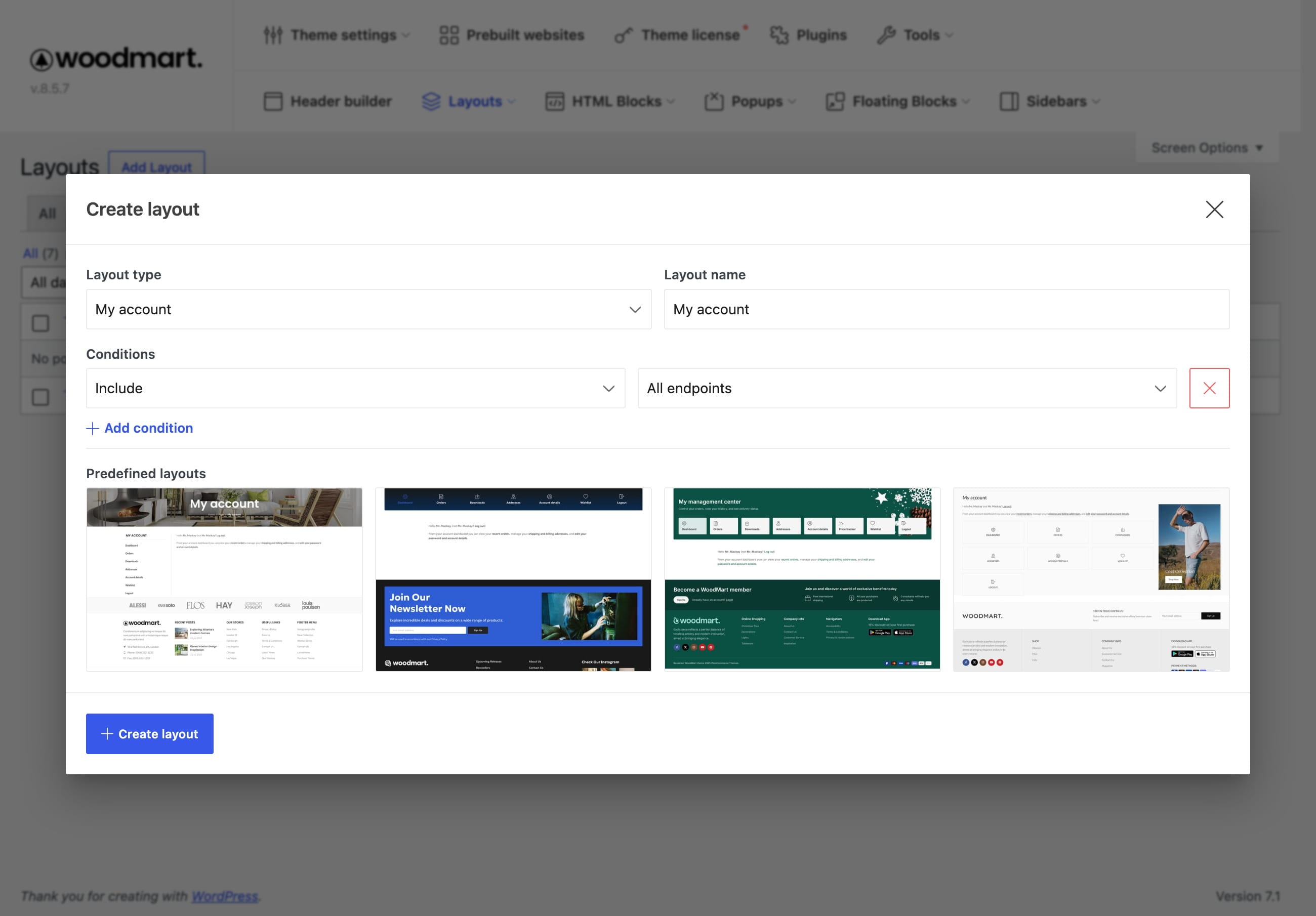
1. Navigate to Dashboard -> Layouts -> My account and click the add button.
2. Select My account, Login/Register, or Lost password and enter the layout name.
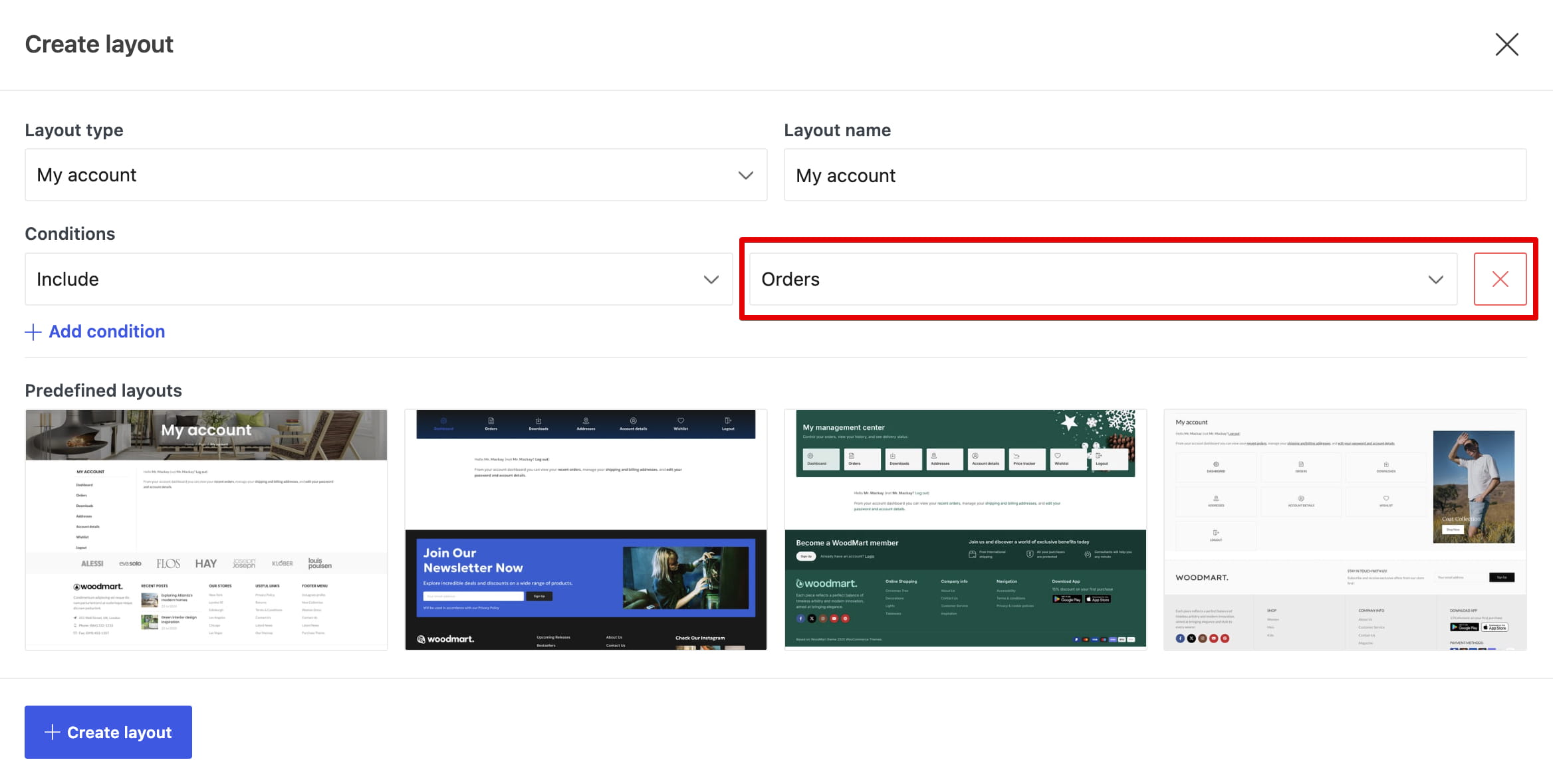
3. Configure endpoint conditions when creating a My account layout.
4. Choose a predefined design or start with a blank layout, then click Create layout.
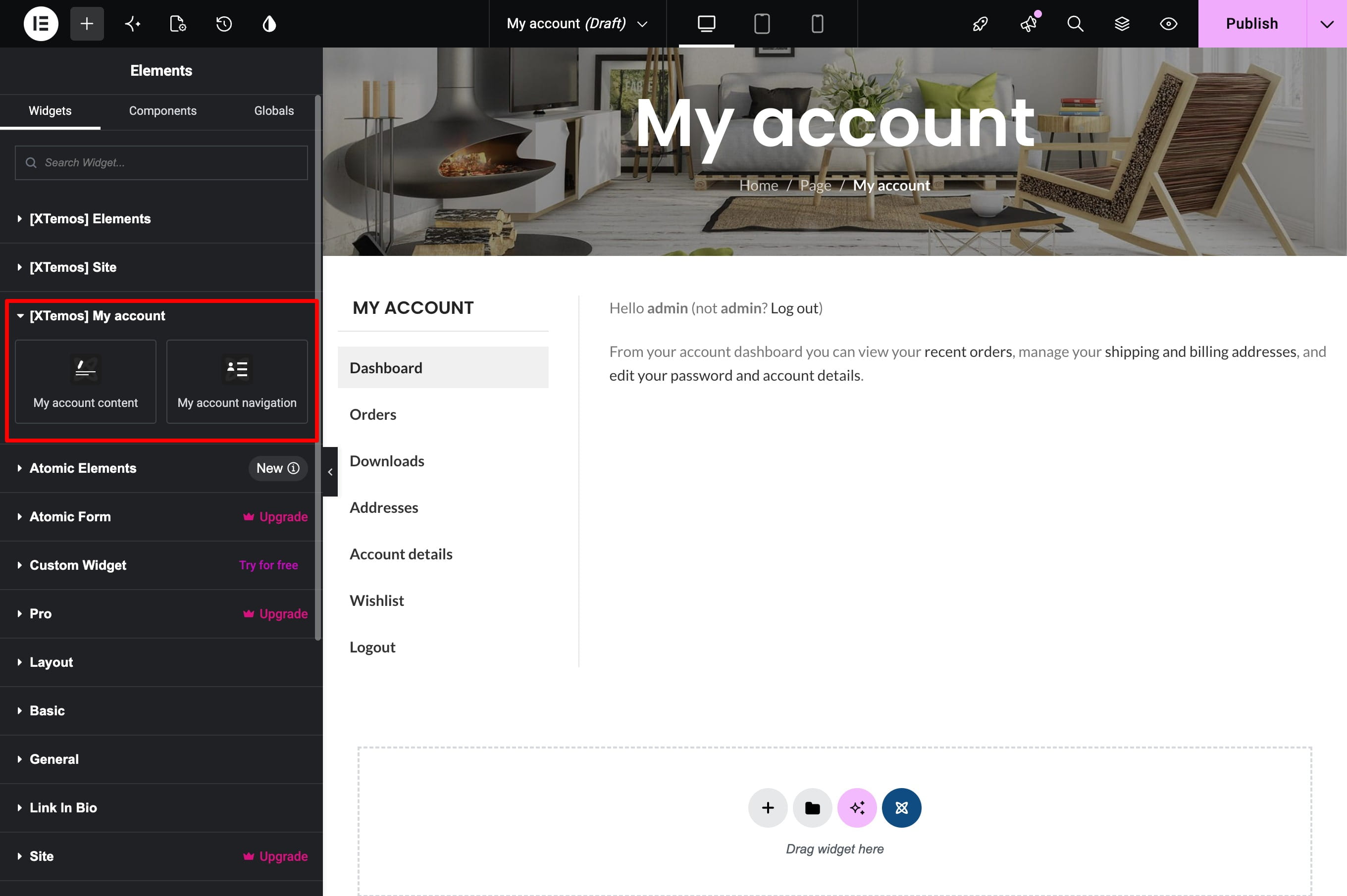
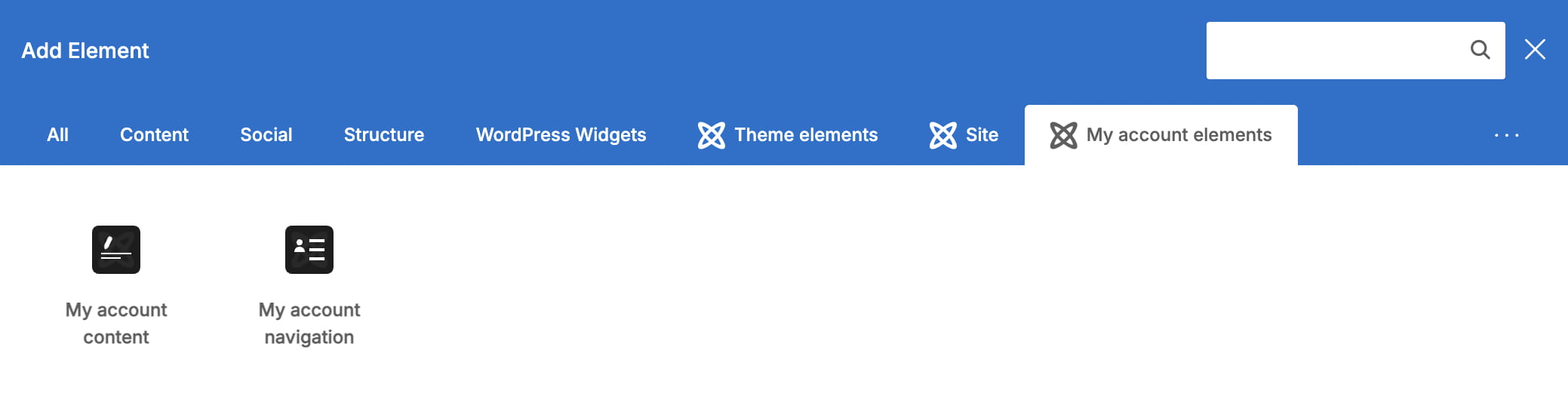
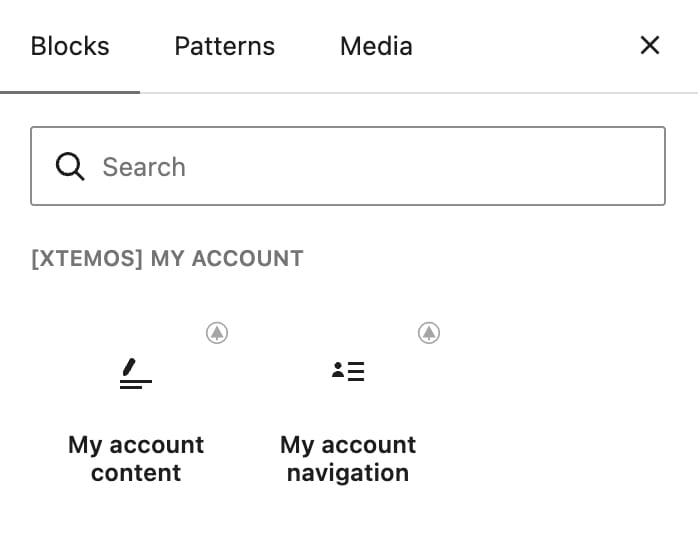
5. Add the elements required for the selected layout type and publish it.
My account
The My account layout controls the area displayed after the customer signs in.
- My account navigation — displays the WooCommerce account menu.
- My account content — displays the dashboard or the content of the current account endpoint.
Login/Register
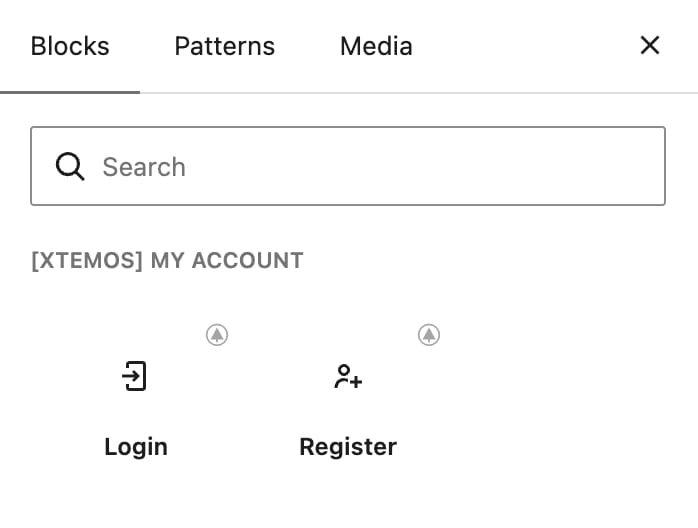
Use the Login and Register elements to build the page displayed to customers who are not signed in. WooCommerce registration must be enabled when a registration form should be available.
Lost password
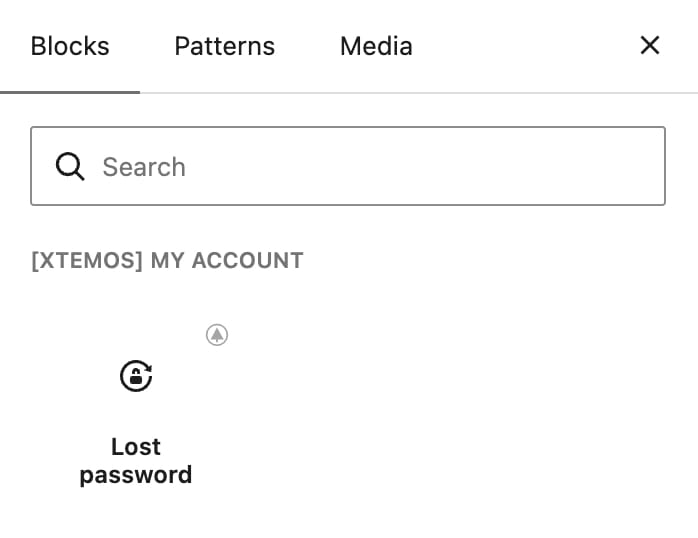
Add the Lost password element to display the WooCommerce password recovery form.
Create layouts for individual endpoints
My account layouts support conditions for individual WooCommerce endpoints. This allows the Orders, Downloads, Addresses, Account details, Waitlist, Wishlist, Price tracker, or another available endpoint to use a different layout.
1. Create a general My account layout with the All endpoints condition.
2. Create another My account layout and select the endpoint that needs a different design.
3. Publish both layouts. The endpoint-specific condition takes precedence over the general layout.
Login/Register and Lost password are global layout types and do not use the endpoint condition interface.
Plugin compatibility
If a WooCommerce extension adds account content through PHP hooks, see WooCommerce hooks and plugin compatibility.
Don’t miss WoodMart updates
Receive feature updates, tutorials, and WoodMart news via email.
 Last updated: August 21, 2026