
Theme license FAQ
A WoodMart purchase code is used to activate the theme, receive automatic updates, and access customer support. The license itself does not expire, while the included support period can be extended or renewed separately.
Where can I find my purchase code?
1. Sign in to your Envato Market account.
2. Hover over your username in the top-right corner and select Downloads.
3. Find WoodMart in the list of purchased items.
4. Click Download next to WoodMart.

5. Select License certificate & purchase code and download it as a PDF or text file.

The purchase code is included in the downloaded license certificate.

How do I activate the theme?
You can activate WoodMart while completing the setup wizard. Enter your purchase code on the theme activation step and continue with the installation.
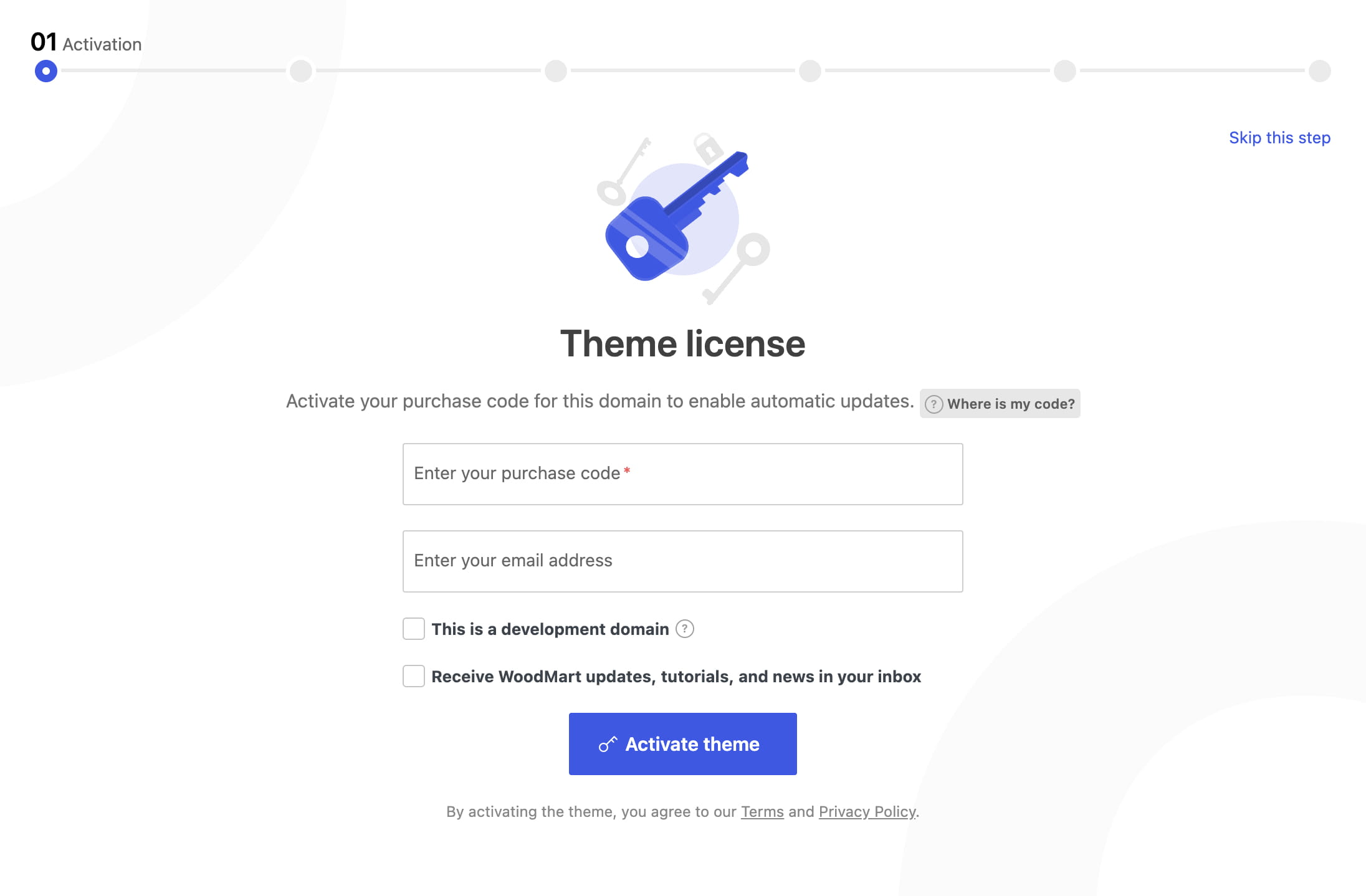
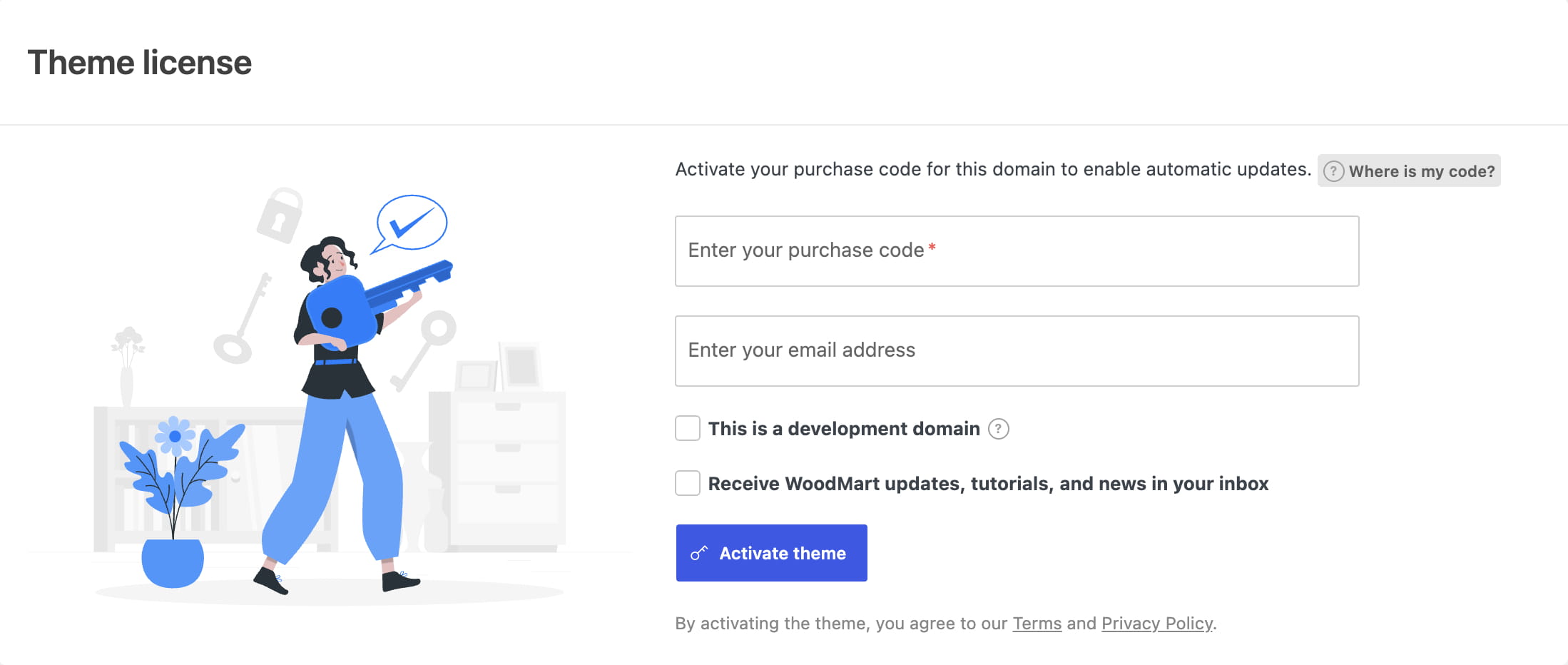
If you skipped the setup wizard, navigate to Dashboard -> WoodMart -> Theme license, enter the purchase code, accept the data-processing agreement, and click Activate theme.
How many websites can I activate?
One regular license covers one website project. WoodMart allows the same purchase code to be active on one production website and one development or staging copy of that same website.
A separate website or project requires a separate WoodMart license.
Can I use the license on a staging website?
Yes. When activating the staging or development copy, select Development domain on the Theme license page. The other activation can remain assigned to the production website for the same project.
How do I move the license to another domain?
Deactivate the license on the old website under Dashboard -> WoodMart -> Theme license, then activate it on the new domain.
If you no longer have access to the old website, sign in to your XTemos account and remove the old domain from the purchase code activations. For detailed account instructions, see XTemos account and support forum FAQ.
What if a developer installed the theme for me?
Ask the developer or agency that purchased WoodMart to activate the theme with a valid purchase code. If the website does not have a valid license, purchase a WoodMart license through ThemeForest to receive automatic updates and customer support.
What happens when the support period expires?
The WoodMart license is a one-time purchase and does not require an annual payment. When the support period expires, you can continue using the theme and downloading its updates. Renew the support period only when you need access to customer support.
How do I extend or renew support?
1. Sign in to ThemeForest and open Downloads.
2. Find WoodMart and click Extend now while support is active or Renew support now after it expires.
Renew support

Extend support

3. Sign in to your XTemos account and click Update to synchronize the new support expiration date.
For more information about support periods and pricing, see Envato’s Extend or renew Item Support guide.
How do I resolve an activation error?

1. Sign in to your XTemos account and open the purchase code activation list.
2. Remove any production or development domain that is no longer in use.
3. Return to Dashboard -> WoodMart -> Theme license and activate the theme again.
If the purchase code is valid and no unused activation is available to remove, contact our support team for assistance.
What if I downloaded WoodMart outside ThemeForest?
WoodMart is sold only on ThemeForest, and updates come from our servers to installs activated with a valid purchase code. A copy from any other source, such as a file-sharing site, a “GPL club”, or a pre-activated build, cannot receive updates or support, and its files may have been modified. Learn what a nulled WoodMart copy really costs you and how to check and clean up a site that runs one.
Don’t miss WoodMart updates
Receive feature updates, tutorials, and WoodMart news via email.
 Last updated: September 21, 2026