
Off-canvas sidebar in a custom shop layout
An off-canvas sidebar keeps filters or other sidebar content hidden until the customer opens it with a button. In a custom Products archive layout, the setup consists of an off-canvas sidebar area, a content area, and a button that opens the sidebar.
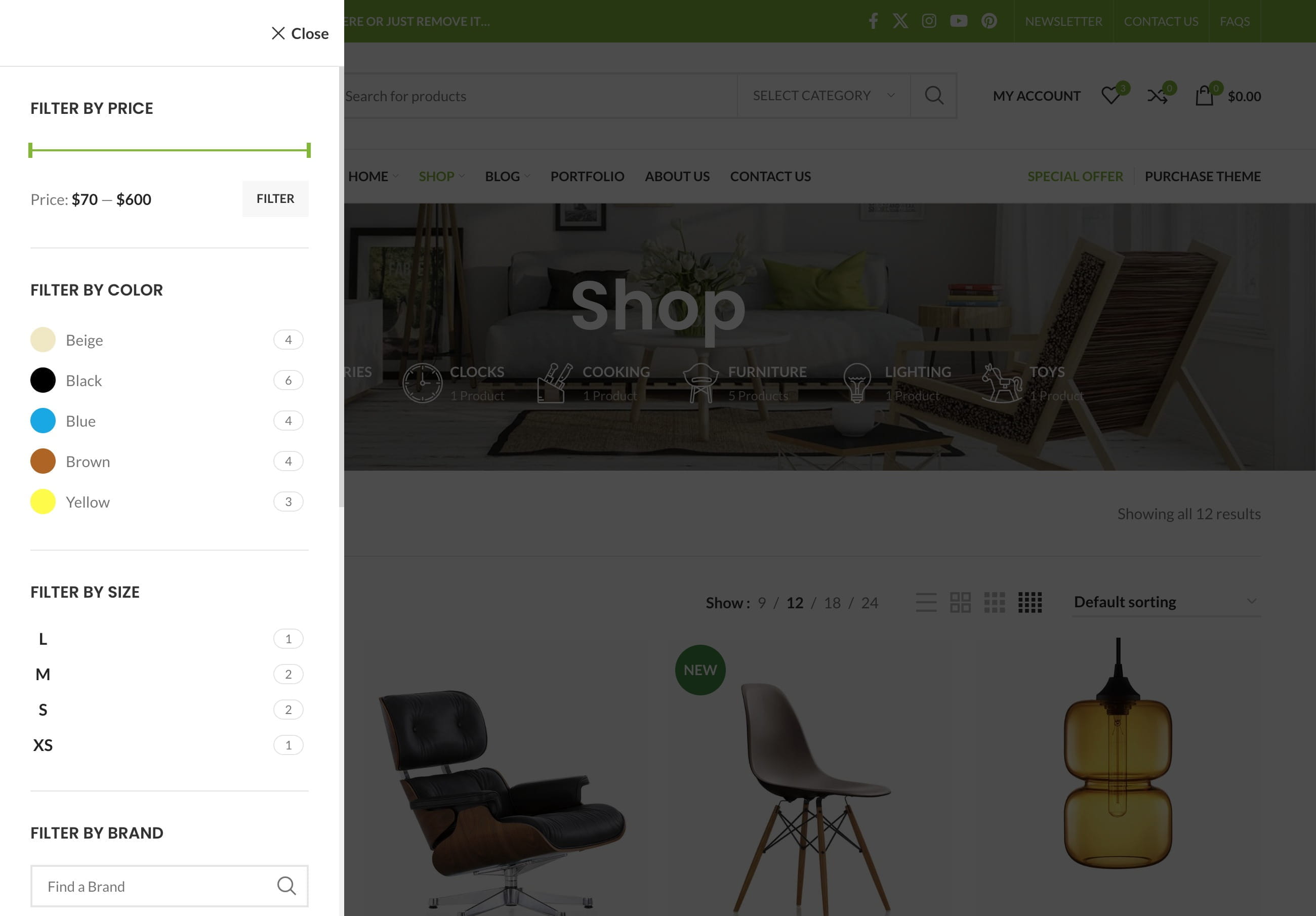
The setup method depends on the editor used for the Products archive layout.
WPBakery
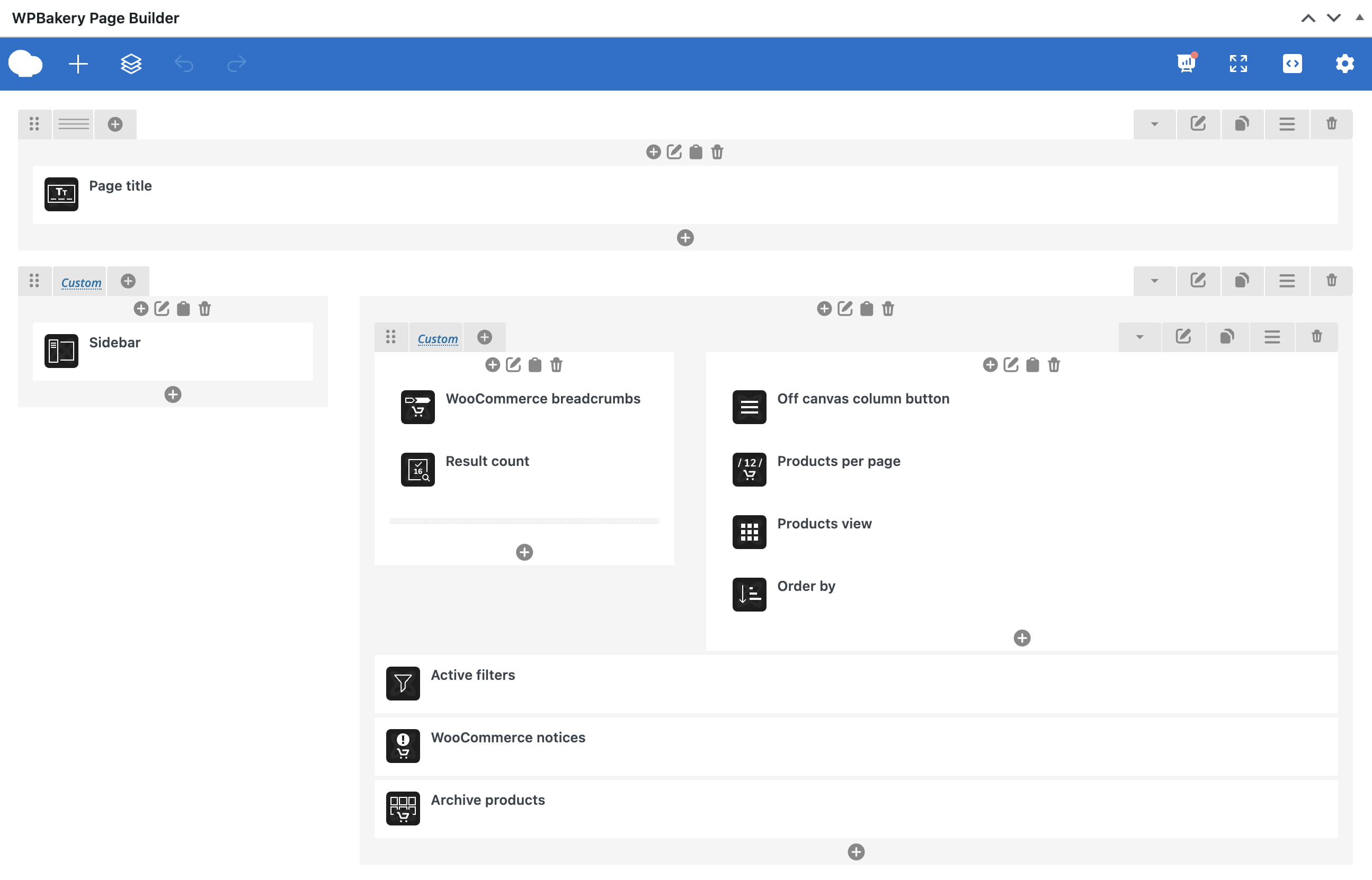
Step 1. Add a row with two columns. Place the Sidebar element or filter widgets in one column and the Archive products element in the other.
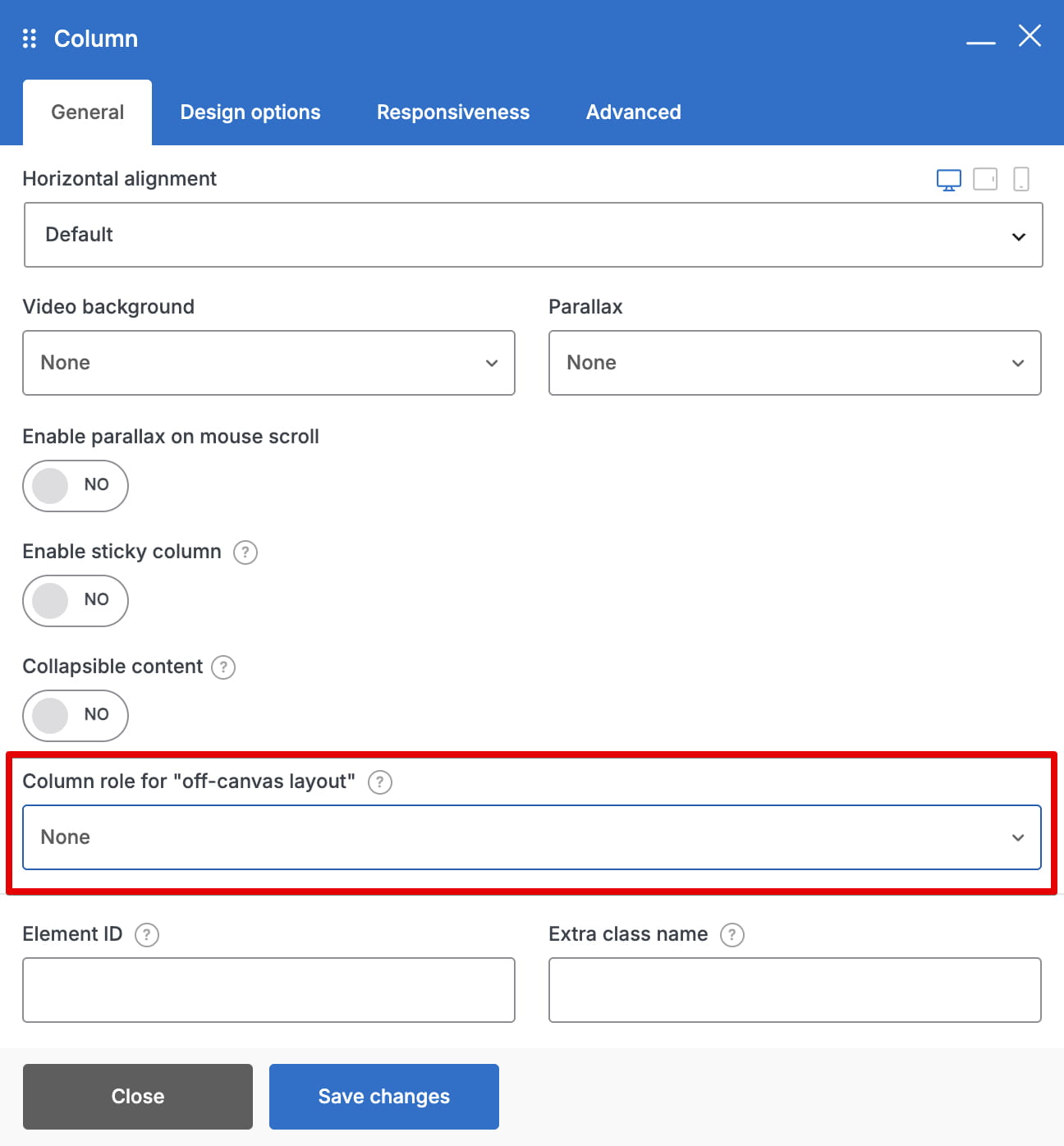
Step 2. Edit both columns and configure Column role for off-canvas layout. Set the sidebar column to Off-canvas column and the products column to Content column. Enable the same desktop, tablet, and mobile devices for both roles.
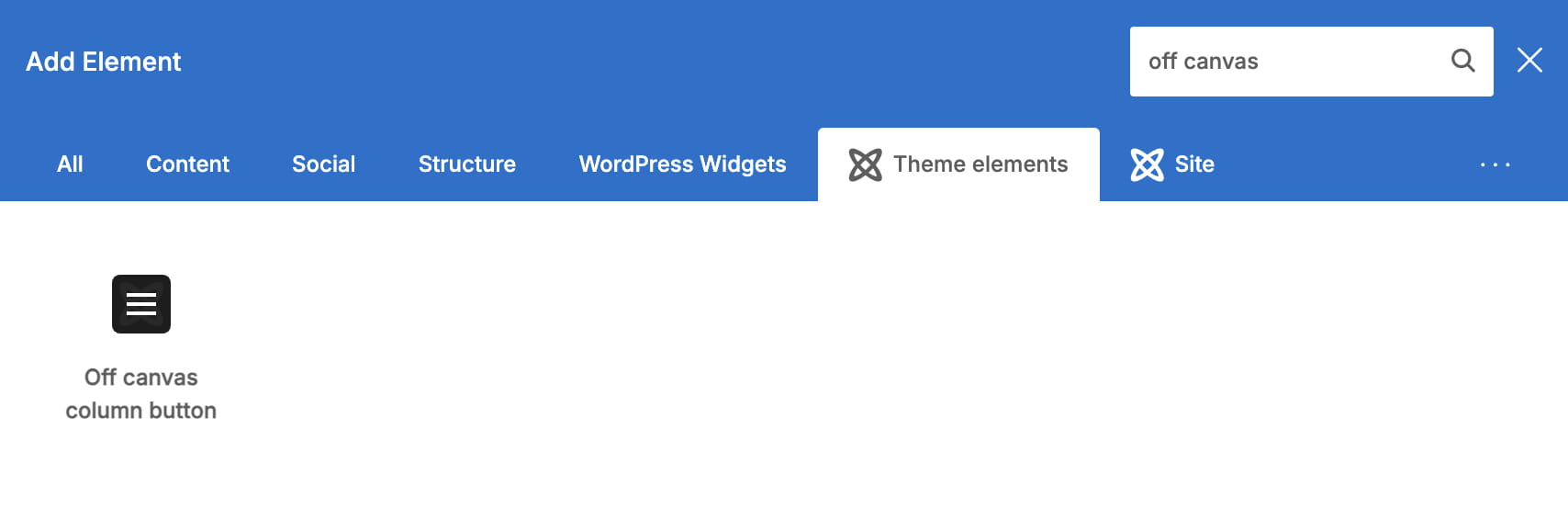
Step 3. Add the Off-canvas button element inside the Content column.
Elementor
Step 1. Add a parent container with two horizontally arranged inner containers. Place the Sidebar element or filters in one container and Archive products in the other.
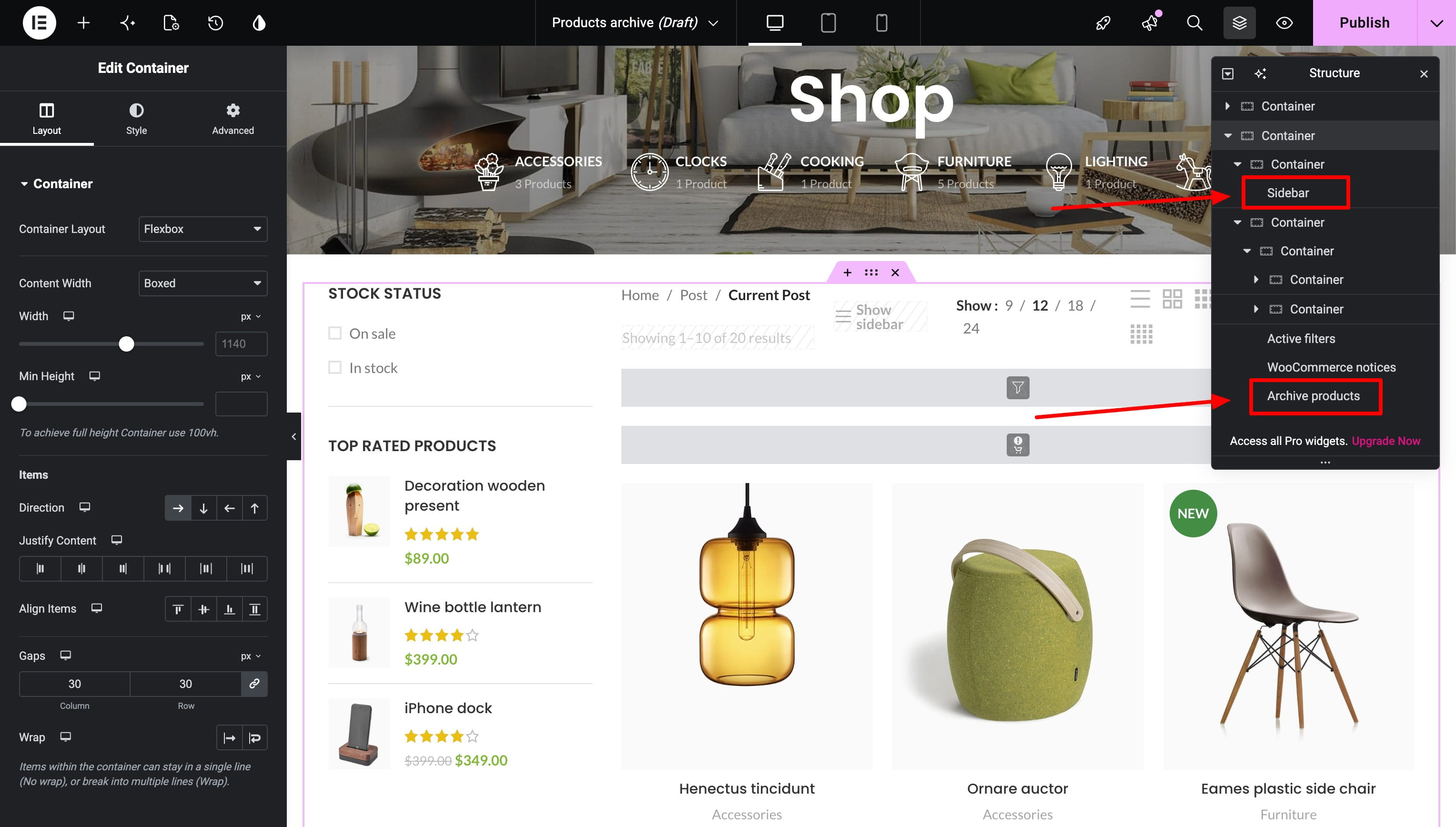
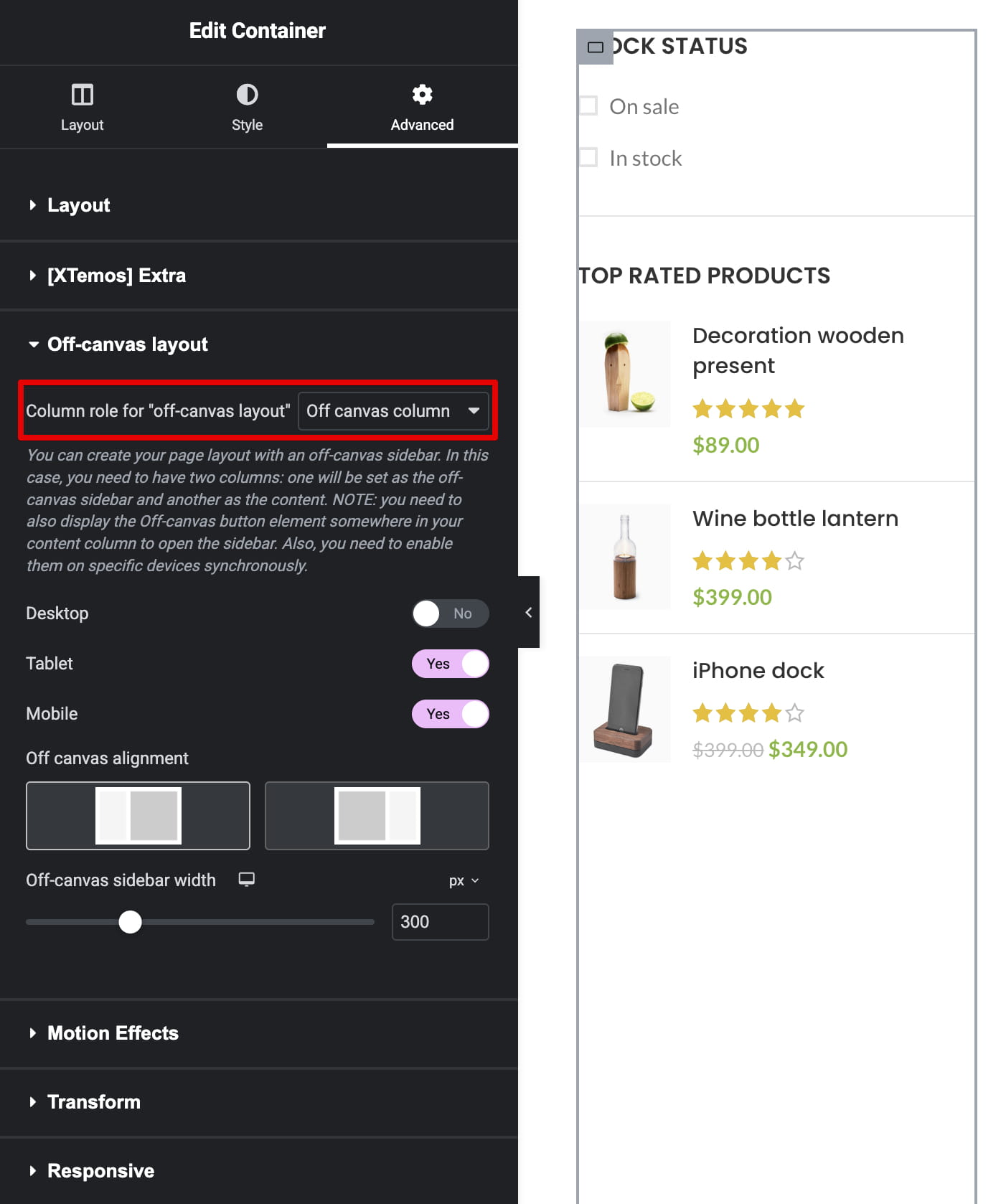
Step 2. Configure Column role for off-canvas layout for both inner containers. Select Off-canvas column for the sidebar and Content column for the products. Use matching device selections for both containers.
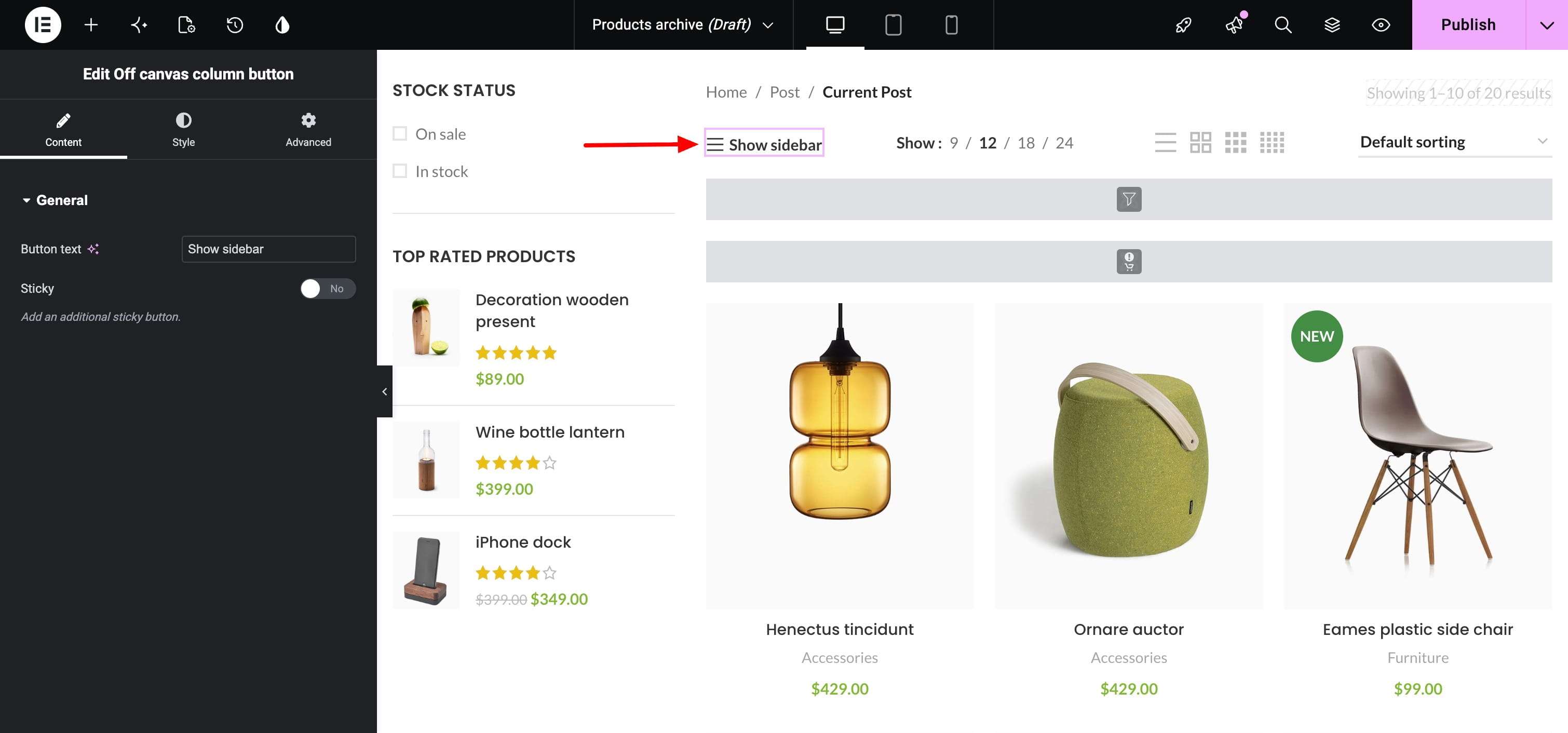
Step 3. Add the Off-canvas button widget inside the Content container.
Gutenberg
Step 1. Add the Off-canvas layout block. It provides the required sidebar and content structure.
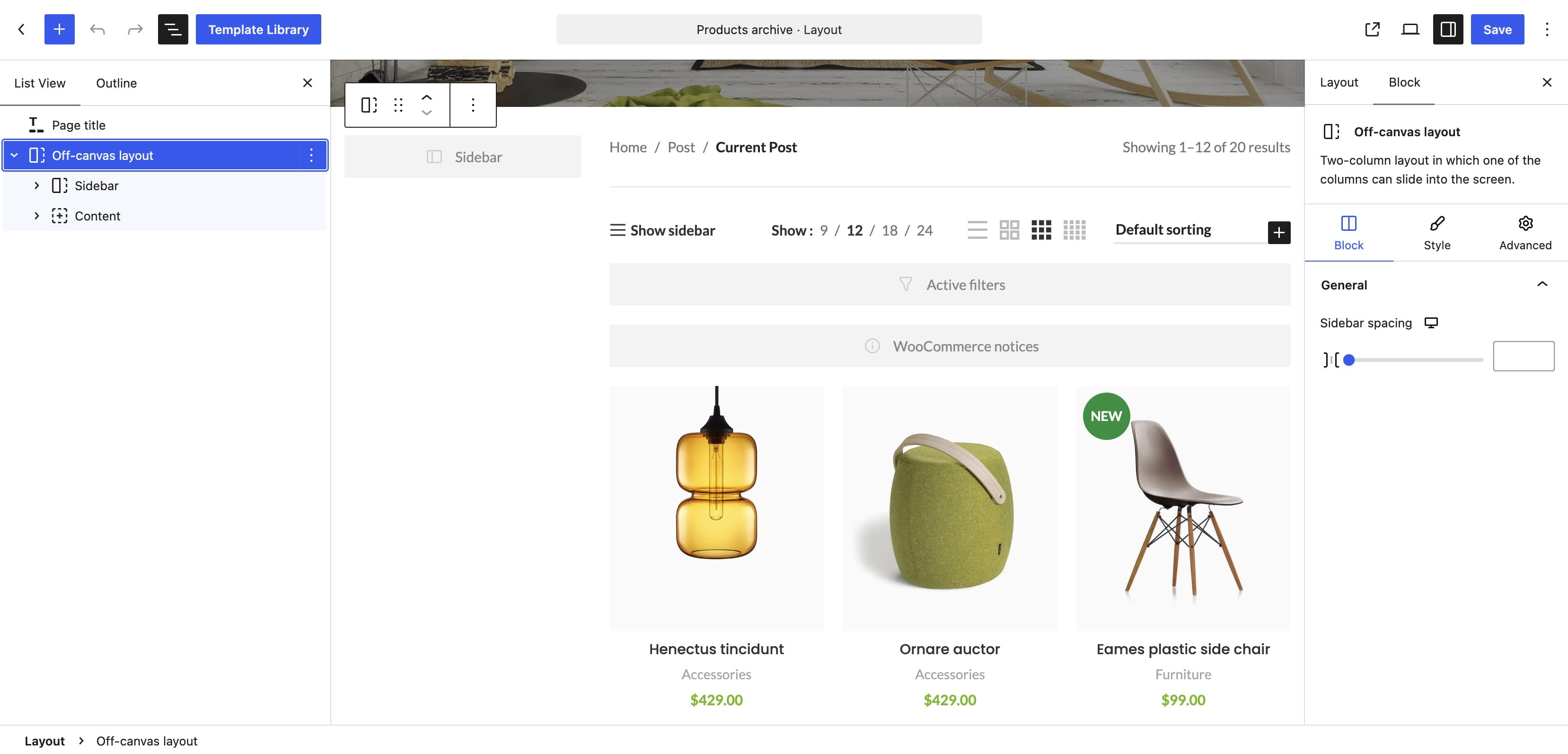
Step 2. Select the inner Sidebar block and configure the devices on which it should behave as an off-canvas area.
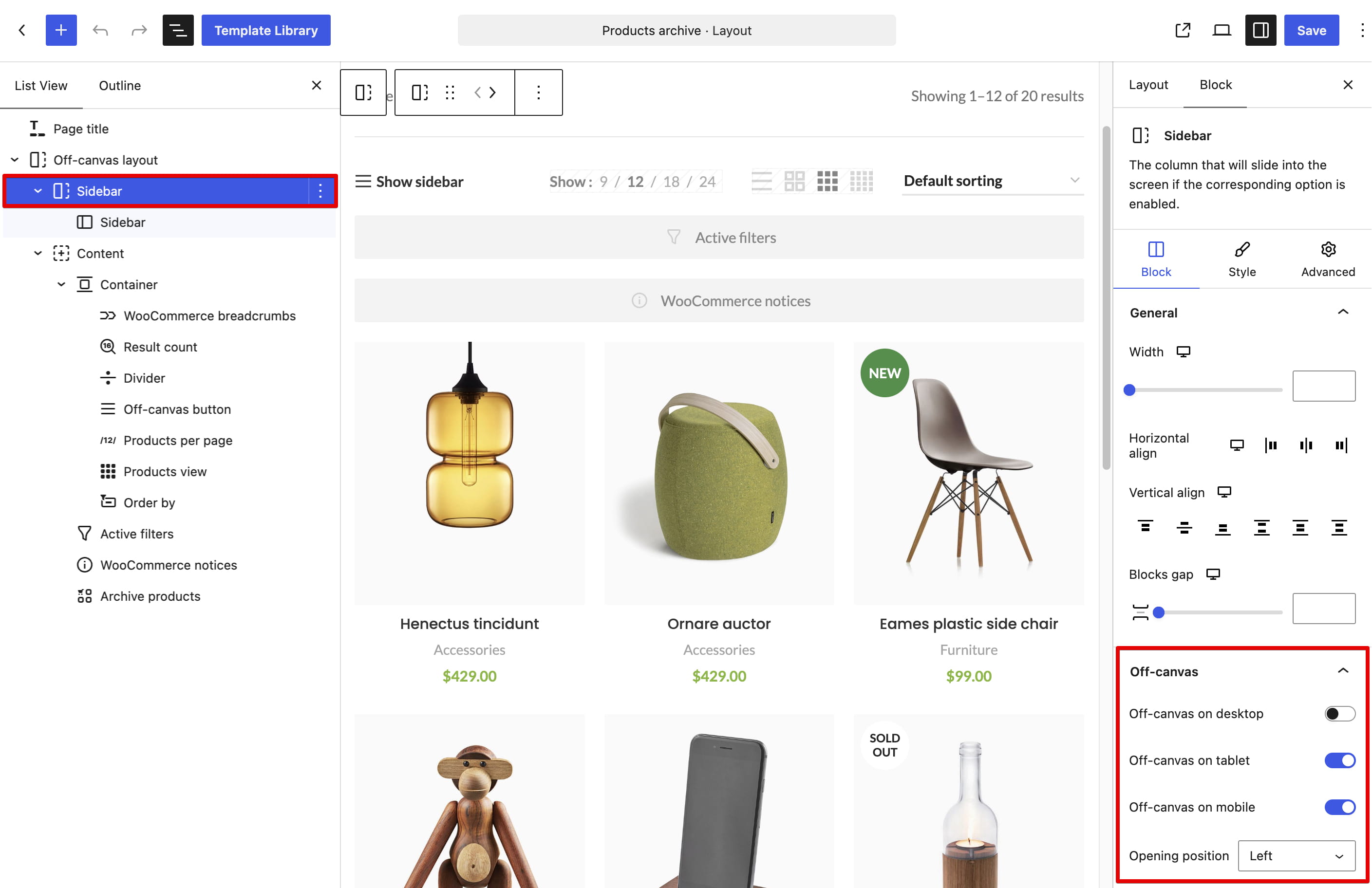
Step 3. Add the Off-canvas button block to the content area and configure it for the corresponding devices.
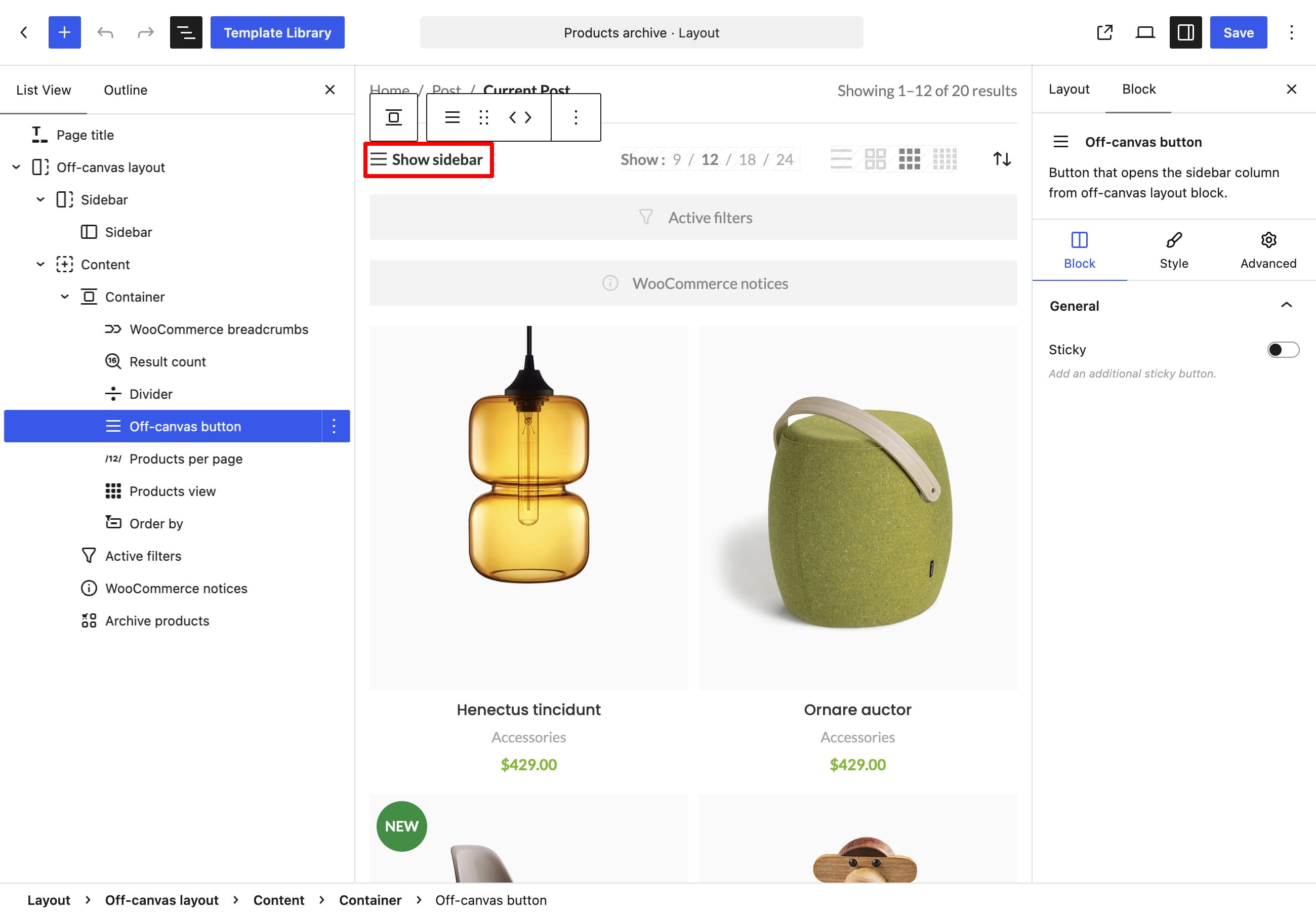
Check the responsive setup
The off-canvas sidebar and its opening button must be enabled for compatible screen sizes. Preview the archive on desktop, tablet, and mobile to confirm that the sidebar is visible or hidden as intended and that the button opens it.
Related documentation
Don’t miss WoodMart updates
Receive feature updates, tutorials, and WoodMart news via email.
 Last updated: August 21, 2026