
Product visitor counter
The product visitor counter displays how many other visitors are currently viewing a product. It appears on single product pages when the counter is enabled and its value is greater than zero.
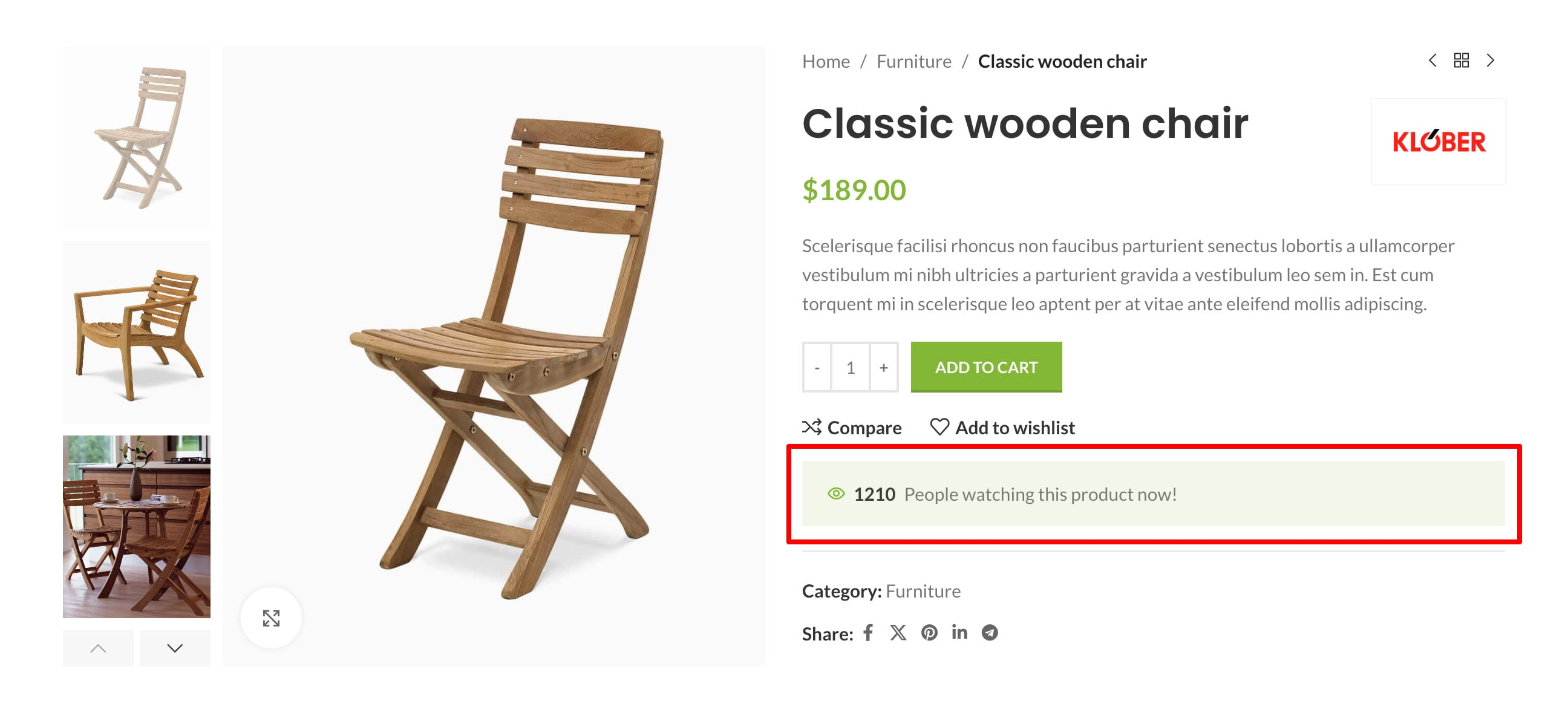
Enable the visitor counter
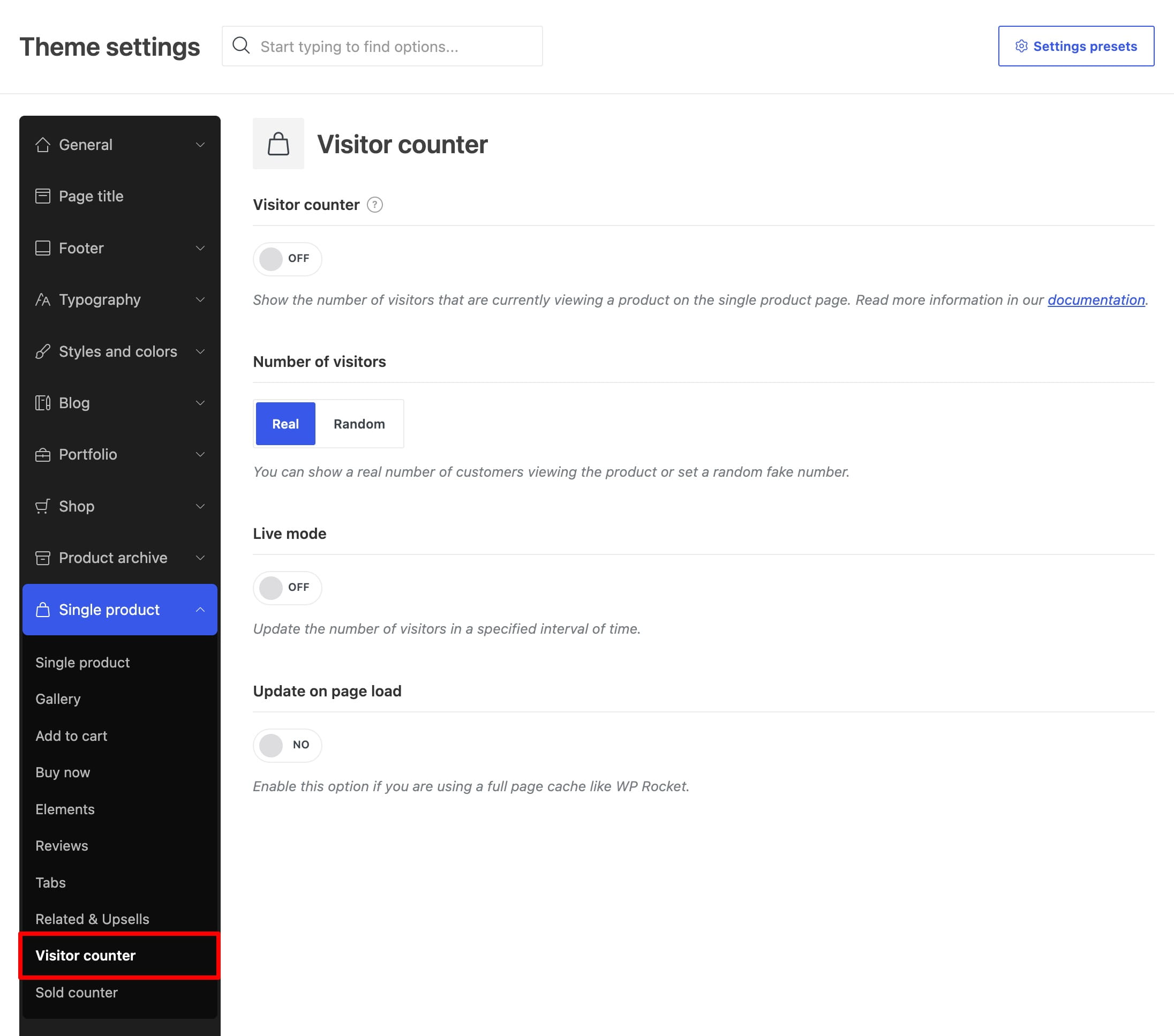
Navigate to Dashboard -> Theme Settings -> Single product -> Visitor counter, enable Visitor counter, and save the Theme Settings.
Choose the visitor data source
Use Number of visitors to choose how the displayed value is generated:
- Real — counts other unique IP addresses recorded for the product during the previous 120 seconds. The current visitor is not included in the displayed number. If there are no other active visitors, the counter is hidden.
- Random — generates a value for each product between the configured Minimum and Maximum. The value can change when the counter is updated.
Configure counter updates
- Live mode — refreshes the value through AJAX at the configured interval.
- Update interval (seconds) — controls how often Live mode refreshes the counter. The available range is 1–100 seconds, and the default interval is 10 seconds.
- Update on page load — refreshes the value through AJAX once when the product page loads. Use this option with full-page caching when Live mode is disabled.
Add the counter to a custom product layout
The counter is added automatically to the standard single product page. If you use a custom single product layout, edit the layout under Dashboard -> Layouts and add the Product visitor counter element. The element is available for Gutenberg, Elementor, and WPBakery layouts and provides controls for its style, text, and icon.
The visitor counter is not displayed in the product Quick View.
Don’t miss WoodMart updates
Receive feature updates, tutorials, and WoodMart news via email.
 Last updated: August 12, 2026