
WoodMart MCP
Connect an AI agent with MCP
WoodMart includes a dedicated MCP plugin that lets an AI agent, such as Claude, Codex or Cursor, read and change your site directly, instead of you clicking through wp-admin. Once connected, an agent can do things like build a landing page from your template library, restyle a section, flip a Theme Settings option, create a layout template with its display conditions, or manage your WooCommerce products and orders, described in plain language and applied on the site.
Installing the WoodMart MCP plugin
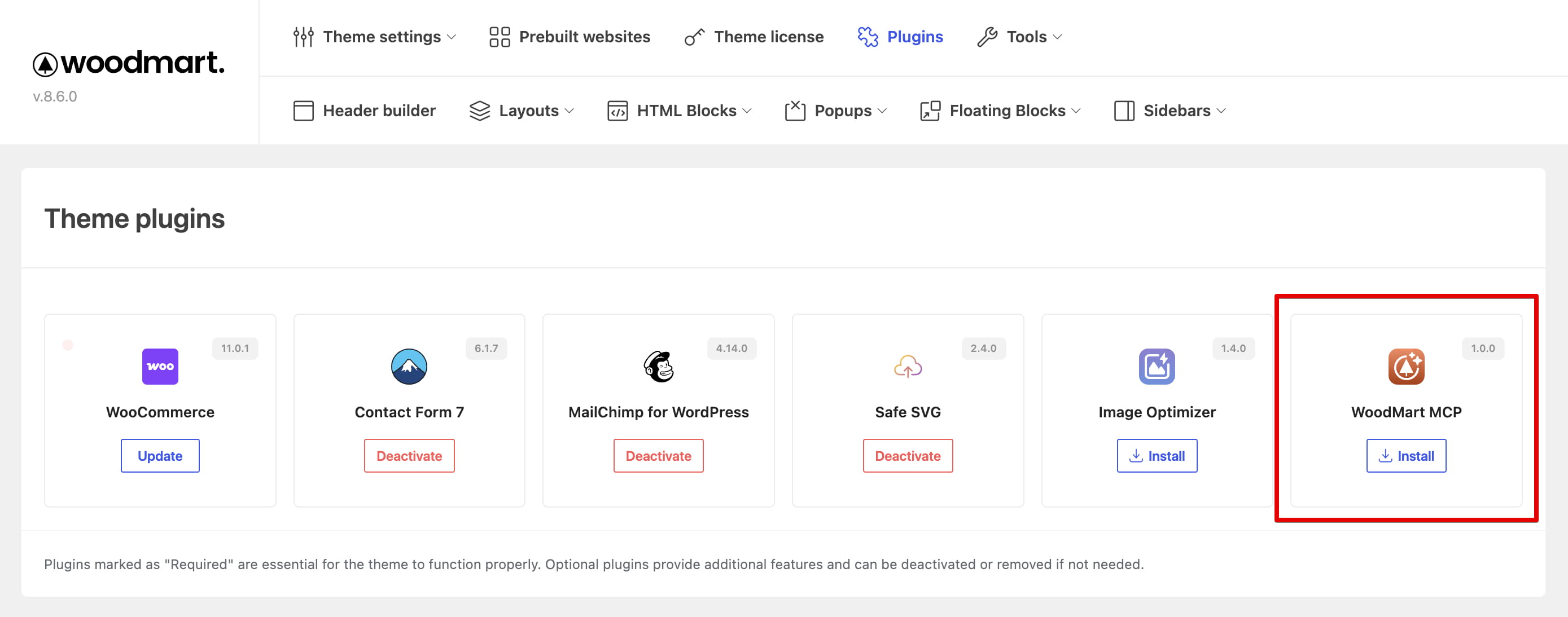
To get started, go to WoodMart → Plugins and install and activate the WoodMart MCP plugin. Only once it’s active does the setup page appear, at WoodMart → Tools → MCP, where you generate the configuration.
Setting up the connection
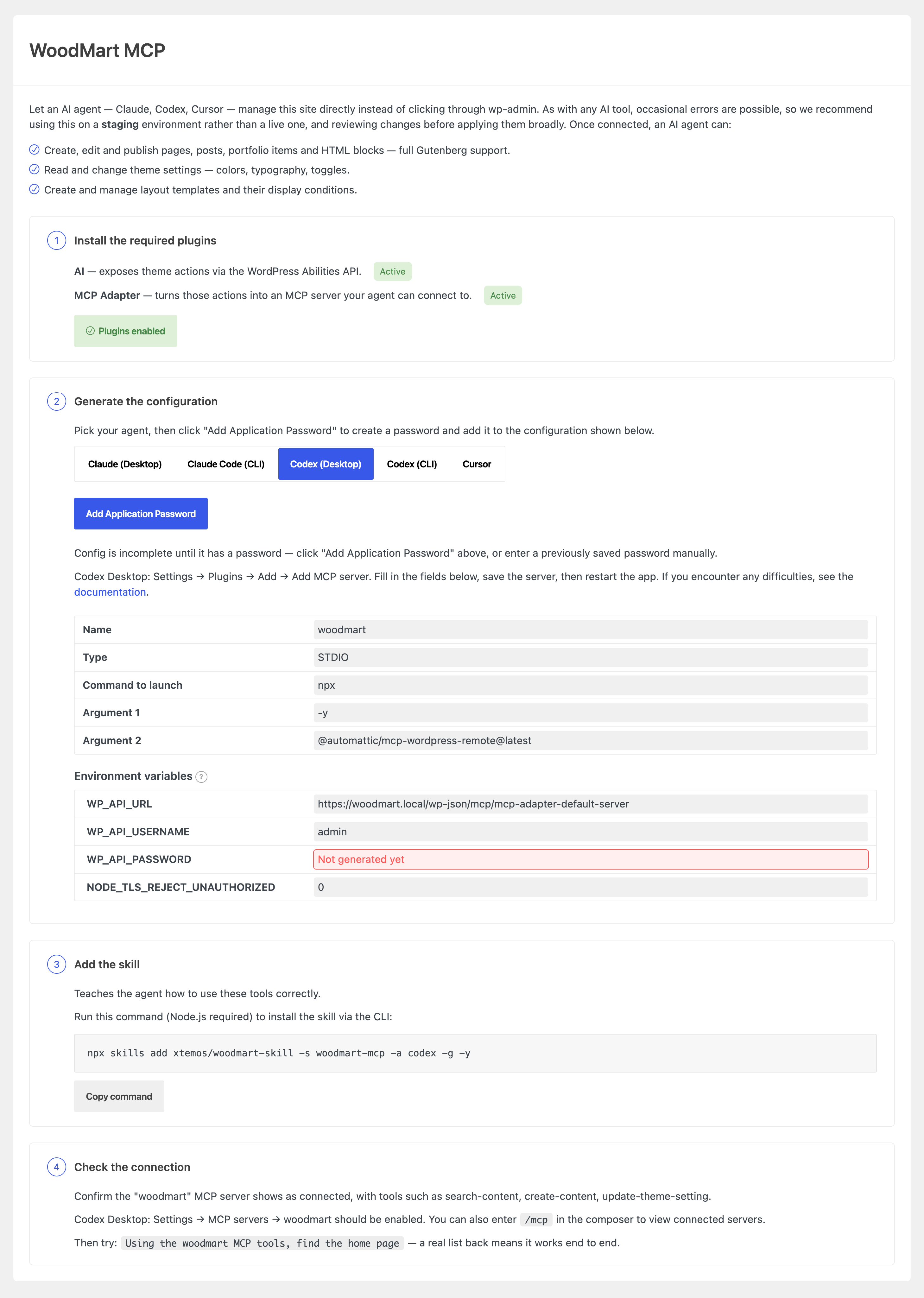
Open WoodMart → Tools → MCP. The page walks you through four steps:
- Enable the MCP plugins. Click Enable MCP plugins — the two companion plugins the connection needs are installed and activated automatically.
- Generate the configuration. Pick your AI agent from the switcher, then click Add Application Password to fill in the configuration for you. Copy it into your agent’s settings as shown on the page, then restart the agent.
- Add the skill. Click Download skill (or copy the CLI command shown) so the agent knows how to use the tools correctly.
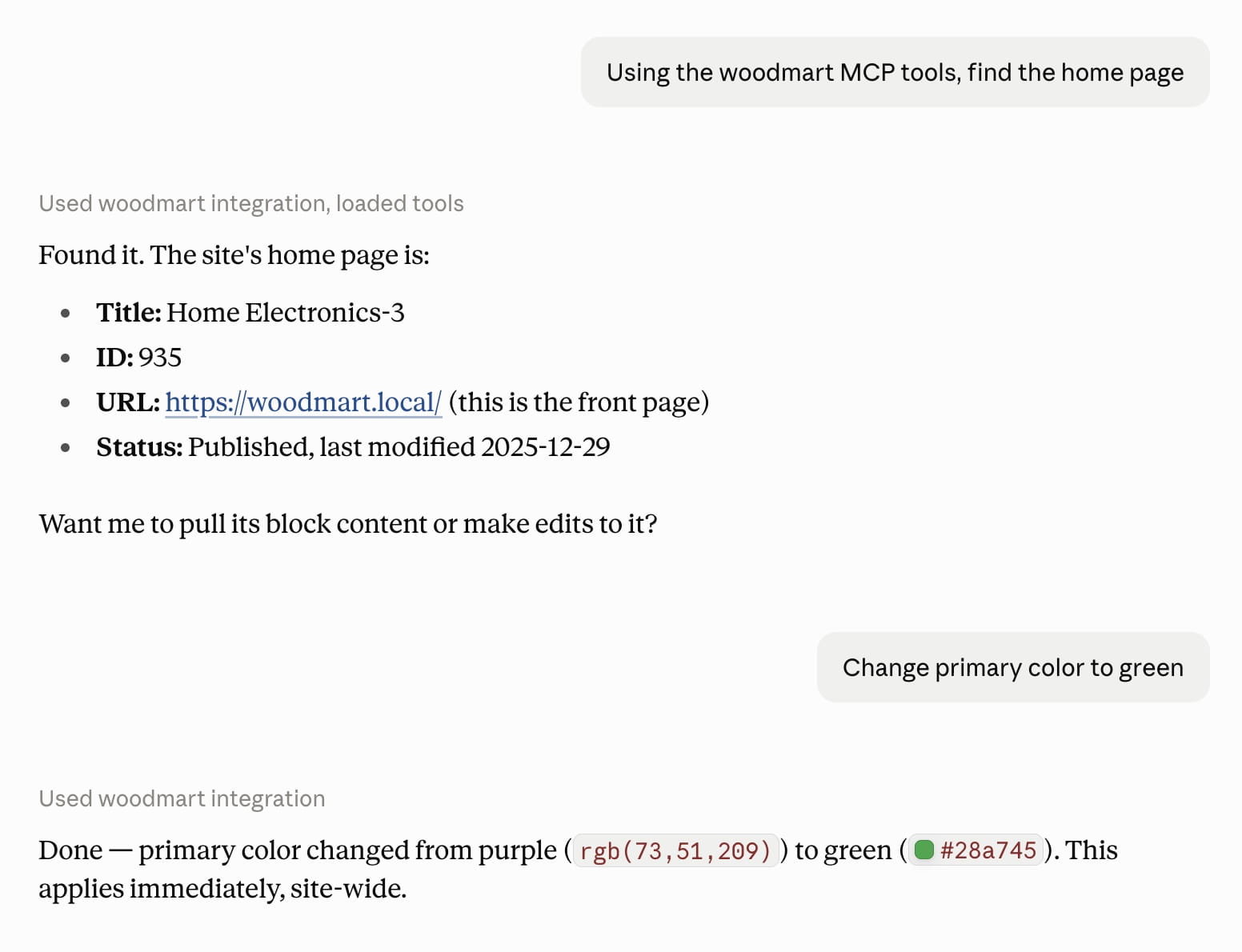
- Check the connection. Confirm the
woodmartserver shows as connected and try a test request, like asking the agent to find your home page.
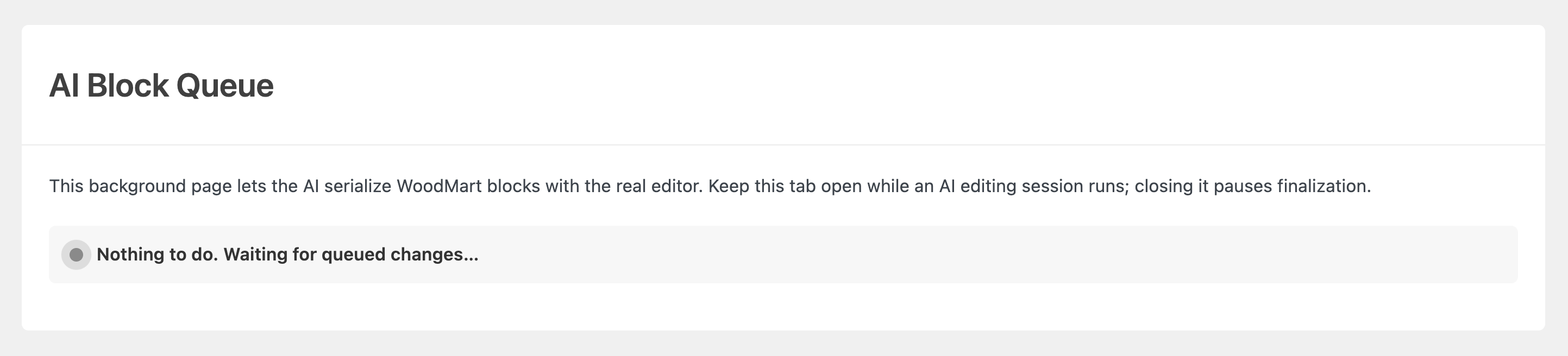
AI Block Queue
Gutenberg blocks need your browser’s real editor to generate their final markup, so the agent can’t write changes straight into the database. Instead, it queues the change, and a dedicated page, WoodMart → AI Block Queue, picks it up, runs it through that editor, and commits the result.
In practice the flow is:
- The agent queues a change and the batch gets status
ready. - You open WoodMart → AI Block Queue and leave the tab open.
- The page picks the batch up, serializes it, and the status becomes
finalized.
What the agent can change
- Content — find, create, rename and re-slug pages, posts, portfolio projects, products and HTML blocks.
Example: “Rename the ‘About Us’ page to ‘Our Story’ and change its slug to /our-story/”. - Gutenberg blocks — read a page’s block tree, edit individual blocks by id, and look up any WoodMart block’s attributes and composition rules.
Example: “On the homepage, change the first slide text to ‘Fall Sale – Up to 40% Off’”. - Template library — search WoodMart’s demo templates and insert a pre-built section or page, images included.
Example: “Insert a testimonials section from the template library right after the hero on the homepage”. - Theme Settings — browse, read and update single WoodMart options: colors, typography, toggles.
Example: “Change the primary accent color to #E63946 and switch the body font to Inter”. - Layouts — list layout types, create a layout from scratch or from a predefined template.
“Create a custom cart page layout with a shipping progress bar and a cross-sell products block”. - Header Builder — replace the logo in every logo element of every saved header in one call.
Example: “Replace the logo in every header with the image at media ID 24523”. - WooCommerce — query products and orders, create and update products, change an order status or add a note.
Example: “Mark order #4521 as completed and add a note that it was sent via DHL”. - Site info — read site, user and environment details so the agent can adapt to your setup.
Example: “What PHP and WordPress version is this site running, and what permissions does my user account have?”.
Don’t miss WoodMart updates
Receive feature updates, tutorials, and WoodMart news via email.
 Last updated: September 14, 2026