
Assign headers to pages and content types
All saved headers use the same Header Builder structure. One header is selected as the website default, while other headers can override it for specific content or conditions.
Assign a header to individual content
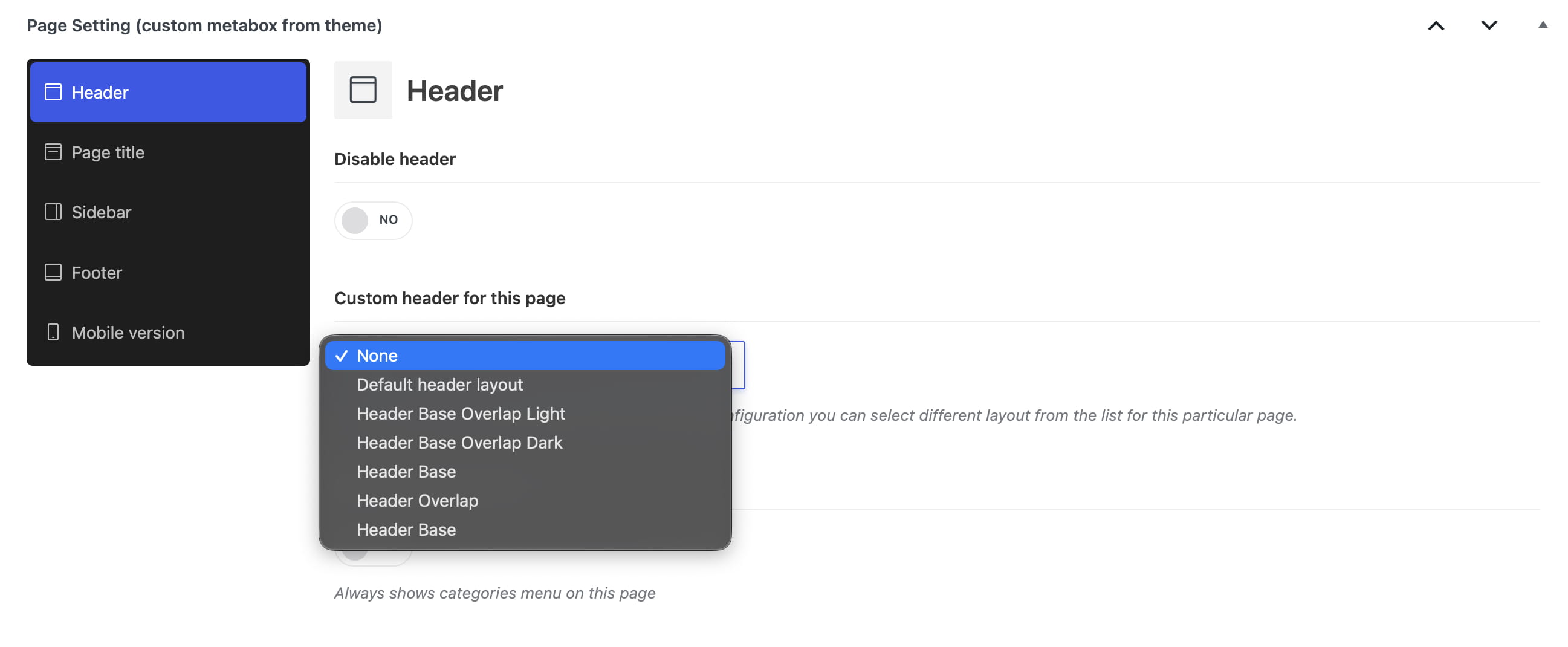
Edit the required page, post, or portfolio project and open its theme page settings. In the Header section, select Custom header for this page. Products provide the equivalent Custom header for this product option in their layout settings.
For content created with Elementor, the header selector is available in Elementor Document Settings under Custom header.
Assign a header by content type
- Website default: Theme Settings -> General -> Layout -> Header.
- Single posts: Theme Settings -> Blog -> Single post -> Custom single post header.
- Single projects: Theme Settings -> Portfolio -> Single project -> Custom single project header.
- Single products: Theme Settings -> Single product -> Single product -> Custom single product header.
Assign a header by condition
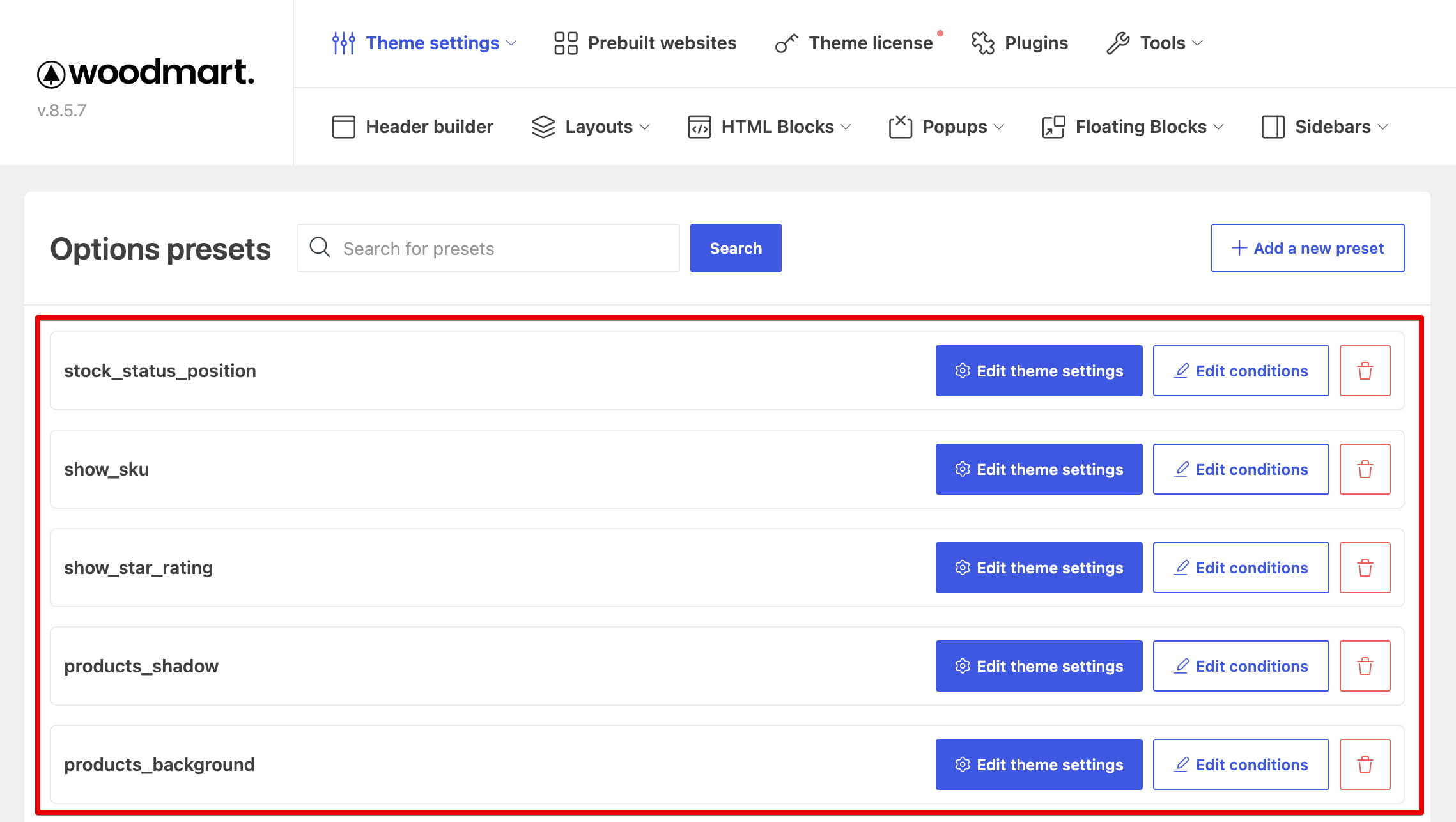
Use Theme Settings presets when a header should apply only under specific conditions, such as selected product categories, post categories, pages, or other supported rules. Create a preset, configure its conditions, and select the required Header option inside the preset.
Assignment priority
An individual content setting has the highest priority. If no individual header is selected, the applicable preset or content-type setting is used. The default header is the final fallback.
Don’t miss WoodMart updates
Receive feature updates, tutorials, and WoodMart news via email.
 Last updated: September 21, 2026